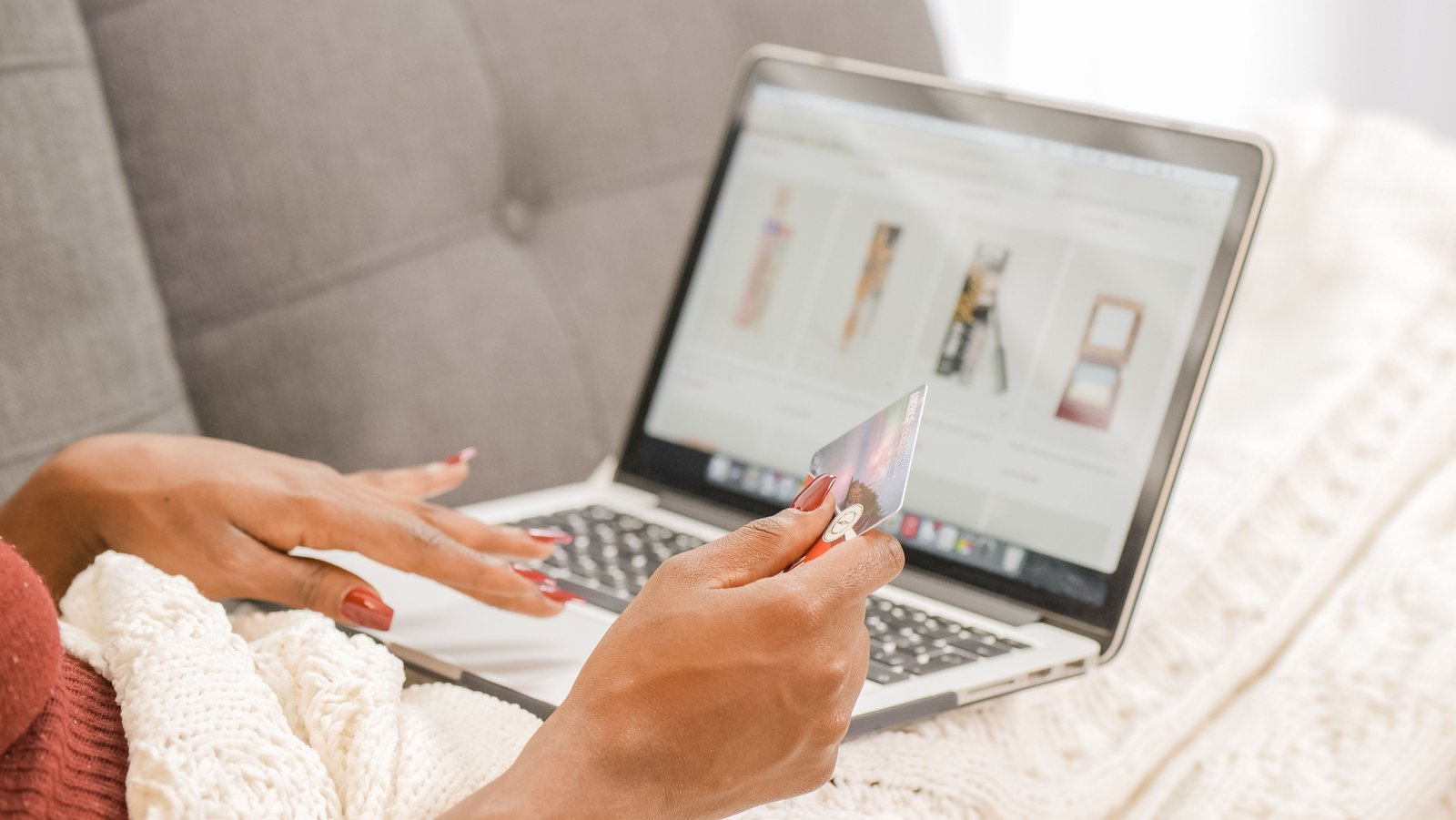
You know the drill. You're mid-scroll, comparing two versions of the same watch, and you hear footsteps. Tab closed. Laptop lid half shut. Face arranged into something resembling "just checking the weather." It's a reflex at this point — the surprise-shopping flinch.
Why online beats sneaking around a store
The old-school method was worse: making up an excuse to "run an errand," disappearing for two hours, coming back with a suspiciously specific story about traffic. Shopping online skips all of that. You can compare five stores in the time it takes to find parking at one. You're not limited to what's on the shelf in your town. And you can do the whole thing in fifteen-minute bursts between other things, instead of committing an entire afternoon to a mission that has to look casual.
The trade-off is that your evidence lives somewhere much closer to your partner than a shopping bag in the trunk of your car — it's sitting right there in your browser history, your open tabs, and your inbox.
Getting it delivered without leaving a trail
The gift itself is usually the easy part to hide once it's actually in your hands. Getting it into your hands without a delivery driver ringing the bell at the worst possible moment is where a little planning pays off.
- Ship it somewhere else entirely — your workplace, a parent's house, a close friend who's in on it. This alone solves 90% of the "package on the doorstep" problem.
- Use a pickup locker or a parcel shop — most major couriers now offer this. You get a code, you walk in, you walk out. No delivery window to coordinate, no box waiting outside your door.
- Pick a delivery window on purpose — most retailers let you choose a date or time slot at checkout. Match it to a day you know your partner's out.
- Turn off shipping notifications — order confirmation emails and "your package has shipped!" texts are the fastest way to blow the whole thing if a notification pops up on a shared tablet or a phone left face-up on the table.
- Check if gift wrap and blank invoices are an option — plenty of stores will leave the price off the packing slip if you ask, or offer gift wrapping at checkout so it doesn't sit around in a plain cardboard box looking suspiciously new.
The part nobody plans for: someone walks up while you're browsing
Here's the scenario that actually gets people caught, more than any delivery slip ever does: you're deep in a product page, weighing options, and your partner walks into the room. You don't have time to close eleven tabs gracefully. You panic-click something, and now you're looking at your own weird browsing history with them standing right behind you.
This is a genuinely common enough problem that it has a genuinely simple fix. Digital Chameleon is a free Chrome extension that works like a screen "panic button." You set one keyboard shortcut — something you can hit without even looking down — and pressing it instantly swaps every tab you have open for a plain, boring, totally unsuspicious page. A search engine homepage, a blank document, whatever you pick. Press the same shortcut again, and everything comes right back exactly where you left it. Nothing closes, nothing is lost — it's just hidden for as long as you need it to be.
It also mutes any audio playing across your tabs the second you trigger it, so nothing keeps making noise while your screen looks completely innocent. The whole swap happens in under 200 milliseconds — faster than the time it takes someone to actually see what was on your screen.
Setting it up takes about a minute
- Install Digital Chameleon from the Chrome Web Store — free, no account needed.
- Pick your shortcut. The default is
Ctrl + Space, but you can set it to anything your fingers find without thinking. - Choose your decoy page — a blank tab, a search engine, or anything else that looks like nothing is going on.
- Test it once so it becomes muscle memory before you actually need it.
The same trick works for surprise trips
Planning a getaway in secret is basically the same problem with more open tabs. Flight comparison sites, hotel bookings, a shared spreadsheet of an itinerary, a dozen "best things to do in ___" articles — it's a lot more evidence than a single product page, and it tends to stay open for days while you plan. The same habits apply here: keep the confirmation emails out of a shared inbox, turn off calendar sync until you're ready to reveal it, and keep that panic-button shortcut close by for the moments your partner wanders past mid-planning session.
Keep the surprise until you're ready to ruin it yourself
None of this needs to be complicated. Ship it somewhere safe, turn off the notifications that would rat you out, and have a fast way to clear your screen for the ten seconds a day someone might actually glance at it. The gift stays a surprise. The trip stays a surprise. And you get to be the one who finally spills it, on your own terms.
This is a paid link. If you buy through it, we may earn a commission at no extra cost to you. Full disclosure →
Good to know before you start
- It covers the page, not the browser: the address bar and the tab strip stay visible, and in image mode the tab icon stays too.
- Chrome's own pages are not covered (chrome://, the new tab page, the Chrome Web Store). Close or switch them.
- The default shortcut can clash with your system (Spotlight on Mac, input-language switching). Change it at chrome://extensions/shortcuts.
- Protection stays on after you restart the browser until you turn it off.
- A decoy website can't load if that site refuses to be shown inside another page. Choose the separate-window option or another site.
- Sound and pop-up notifications from other apps are not hidden.
FAQ
Generally yes, as long as your workplace allows personal deliveries — most do. It's one of the most reliable options since your partner has no reason to be checking mail that arrives there.
No. It covers every open tab with your chosen decoy, but nothing actually closes or reloads. Press the shortcut again and every page is exactly where you left it.
The swap happens in under 200 milliseconds — faster than a blink — and it mutes any audio at the same time, so there's no sound giving it away either.
Yes — completely free, every feature included. No account, no ads, nothing to upgrade.
Turn off push notifications for the retailer's app or website during checkout, and where possible, route order confirmation emails to an inbox your partner doesn't check — a free secondary email address takes two minutes to set up.
Digital Chameleon — Your Screen's Panic Button
One shortcut hides every tab instantly. Press again to bring them all back. Free, no account.