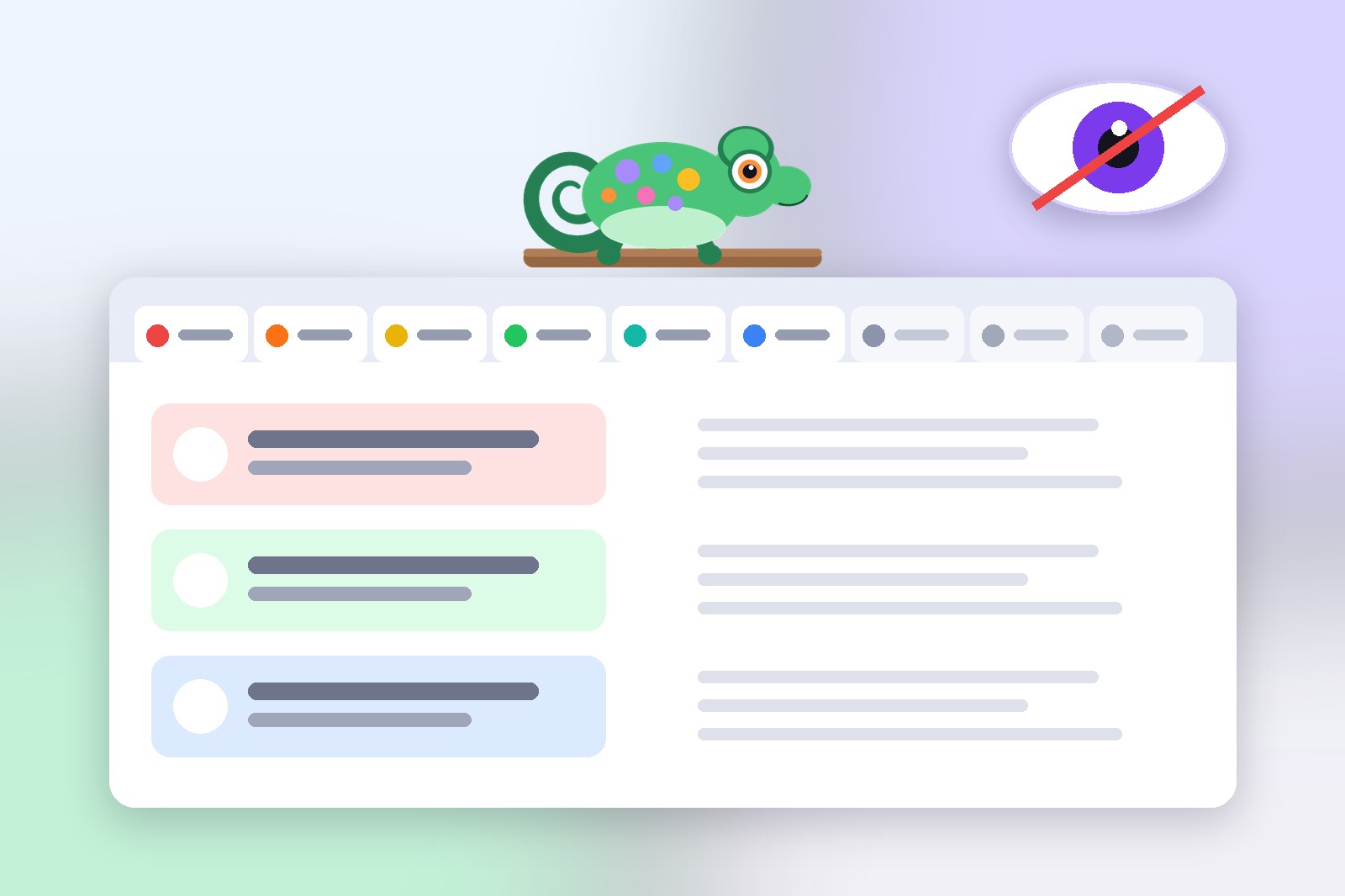
You're at work. You're browsing something personal during a break — checking your bank, reading something private, shopping for a gift. Then you hear footsteps. Your manager is walking over.
Why your tabs are never really private
Your instinct is to Alt+Tab or minimize. But by the time your hands react, it's too late. The screen is visible for a second too long. Awkward. Or maybe you're on a video call and you accidentally share the wrong window. Or a coworker glances at your screen while walking past your desk. These situations happen more often than you'd like, and none of the usual reflexes are actually fast enough to cover for you.
Here's the core problem: most people don't have a fast, reliable way to clear their screen in a split second. The solutions that exist — minimizing, Alt+Tab, locking the screen — all take too long or are too disruptive to use casually.
When it's most useful
A dedicated browser panic button isn't just for one dramatic moment — it fits a handful of everyday situations:
- Open-plan offices — when colleagues can see your screen from any angle
- Screen sharing — quickly hide everything before presenting
- Shared computers — clear your session before someone else uses the machine
- Personal browsing at work — a quick exit when your manager walks over
Digital Chameleon is a free Chrome extension built specifically for this. One keyboard shortcut instantly covers every open page with a neutral decoy screen, muting the sound in the process, so what is on your screen looks innocent in under a second. Press it again, and every page is exactly as you left it.
What a passer-by can actually see
You do not need to see the page itself to guess what is open. Even a half-second glance at the tab strip gives away more than you would think:
- The tab titles — a bank name, a shop, a private conversation, written out in plain words
- The little icons next to them — they are recognisable from across the room
- The sound — a video or call that keeps playing gives you away even when the screen looks innocent
That is why covering the screen and muting the sound together matters. Digital Chameleon does both with one key.
Setting it up
The full walkthrough — installing the extension, picking a shortcut, choosing a decoy page — is covered step by step in our 60-second panic button setup guide. It's the same extension, same process, just laid out in more detail than makes sense to repeat here.
Get the extension
Digital Chameleon is completely free and available now on the Chrome Web Store. It takes about 30 seconds to install and configure, and you'll have it ready to use before you even finish reading this article.
Good to know before you start
- It covers the page, not the browser: the address bar and the tab strip stay visible, and in image mode the tab icon stays too.
- Chrome's own pages are not covered (chrome://, the new tab page, the Chrome Web Store). Close or switch them.
- The default shortcut can clash with your system (Spotlight on Mac, input-language switching). Change it at chrome://extensions/shortcuts.
- Protection stays on after you restart the browser until you turn it off.
- A decoy website can't load if that site refuses to be shown inside another page. Choose the separate-window option or another site.
- Sound and pop-up notifications from other apps are not hidden.
FAQ
No. Every tab is covered by the decoy, but nothing closes or reloads. Press the shortcut again and every page is exactly as you left it.
The whole swap takes under 200ms — faster than a blink. It also mutes audio instantly, so there's no sound giving you away either.
Yes. It's the same shortcut whether the trigger is a coworker walking by or you sharing the wrong window mid-call — one press clears everything either way.
Yes — completely free, every feature included. No account, no ads, nothing to upgrade.
No. Everything happens locally in your browser — nothing is sent anywhere, no tab data is logged.
Digital Chameleon — Free, Installs in 30 Seconds
One shortcut hides every tab instantly. Press again to bring them all back.