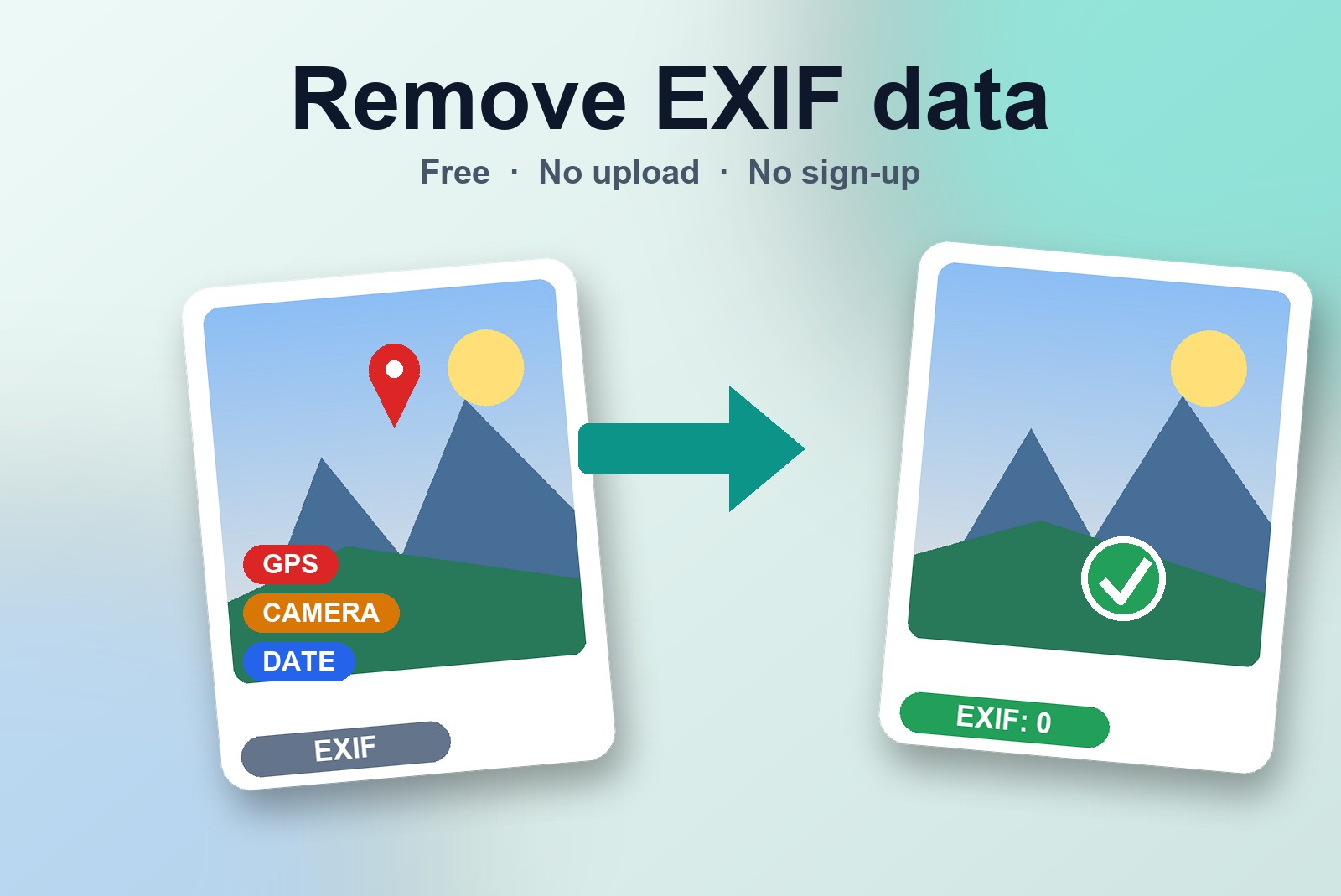
You post a photo of the sofa you're selling, or a picture from your kid's first day at school, and it looks perfectly innocent. But tucked inside the file, your phone quietly saved a few extras: where you were standing, which phone took it, and the exact date and time. That hidden block is called EXIF data. The GetPlugzz EXIF Remover shows you exactly what your photos are giving away, then strips it all out with one click. It works on JPG, PNG and WebP, checks several photos at once, and runs inside your browser, so your photos are never uploaded anywhere.
How to remove EXIF data from a photo in three clicks
Open the EXIF Remover and do this:
- Add your photos. Drop JPG, PNG or WebP files into the box, or click it and pick some.
- See what's hidden. The tool shows each photo's GPS location, camera make and model, and the date it was taken. You can stop here if you only wanted to look.
- Press Remove Hidden Data & Download. You get a clean copy of each photo. Your original file is never changed.
There's no account to make and no waiting for an upload, because nothing is uploaded. The check and the cleaning both happen on your own computer. If your browser blocks the download, click Allow near the address bar and it goes through.
What's hiding inside your photos (the sticky note on the back)
Imagine that every time you took a photo, your phone stuck a tiny note on the back. The note says: "Taken here, with this phone, at this time." You never see it when you look at the picture. But anyone who is handed the file can flip it over and read it.
That note is EXIF data, and it can include:
- Where you were. GPS coordinates that can point to your home, your school or your workplace.
- What took the photo. The make and model of your phone or camera.
- When. The date and time it was taken.
The GPS part is the one to care about. A photo of a sofa taken in your living room can carry coordinates that lead straight back to your living room.
When it's worth cleaning a photo first
Not every website removes this for you, so it's worth a quick clean before a photo leaves your hands. A few moments where it really pays off:
- Selling something online. A photo taken at home can point buyers, and strangers, toward your front door.
- Posting on a forum or a public page. Anyone can save the file and read what's inside.
- Sending a file to someone you don't know. A stranger doesn't need to know where you live or when you were there.
- Sharing pictures of your kids or your home. The photo is for the family, the location isn't.
- Holiday pictures. The hidden date and place can say more than you meant to share.
Will it change how my photo looks?
No. The picture looks exactly the same. Only the hidden information is removed. The tool makes a clean copy and leaves your original file untouched, so you keep both.
You can also just look. When you add a photo, the tool first shows you what's hidden inside it, and you decide whether to clean it. It's a handy way to find out what your phone has been writing down all this time.
Why it matters that nothing is uploaded
A tool that deals with private information shouldn't ask you to send that information somewhere first. That would be like handing your diary to a stranger so they can tear out the page with your address. Here the photo is checked and cleaned inside your browser and never leaves your device, which is the whole point.
This is a paid link. If you buy through it, we may earn a commission at no extra cost to you. Full disclosure →
Good to know before you start
- The check shows location, camera and date only, but cleaning removes all hidden data stored in the file.
- It does not touch what is visible in the picture: faces, street signs, house numbers or text in a screenshot.
- The colour profile is removed too, so colours can shift slightly on some screens. JPEG is saved again at 95% quality.
- Up to 25 photos at a time. HEIC photos must be converted to JPG first (that conversion also removes hidden data).
FAQ
Yes. There's no account and no watermark, and you can clean as many photos as you like, up to 25 at a time.
No. The photo is checked and cleaned inside your browser and never leaves your device. That matters most for a tool that deals with private information.
No. The picture looks the same. Only the hidden information is removed.
Yes. When you add a photo, the tool first shows what's hidden inside it. You decide whether to clean it.
JPG, PNG and WebP. You can add several at once and check or clean as many as you like.
Free EXIF Remover — No Upload, No Sign-Up
See and strip hidden GPS and camera data from your photos. Built by GetPlugzz, processed entirely in your browser.