How to Print a Web Page Without Cutting It Off in Chrome
Right edge missing, text sliced at the bottom, a table running off the paper? Fix it in the print dialog, or let a free extension fit the page for you.
Read article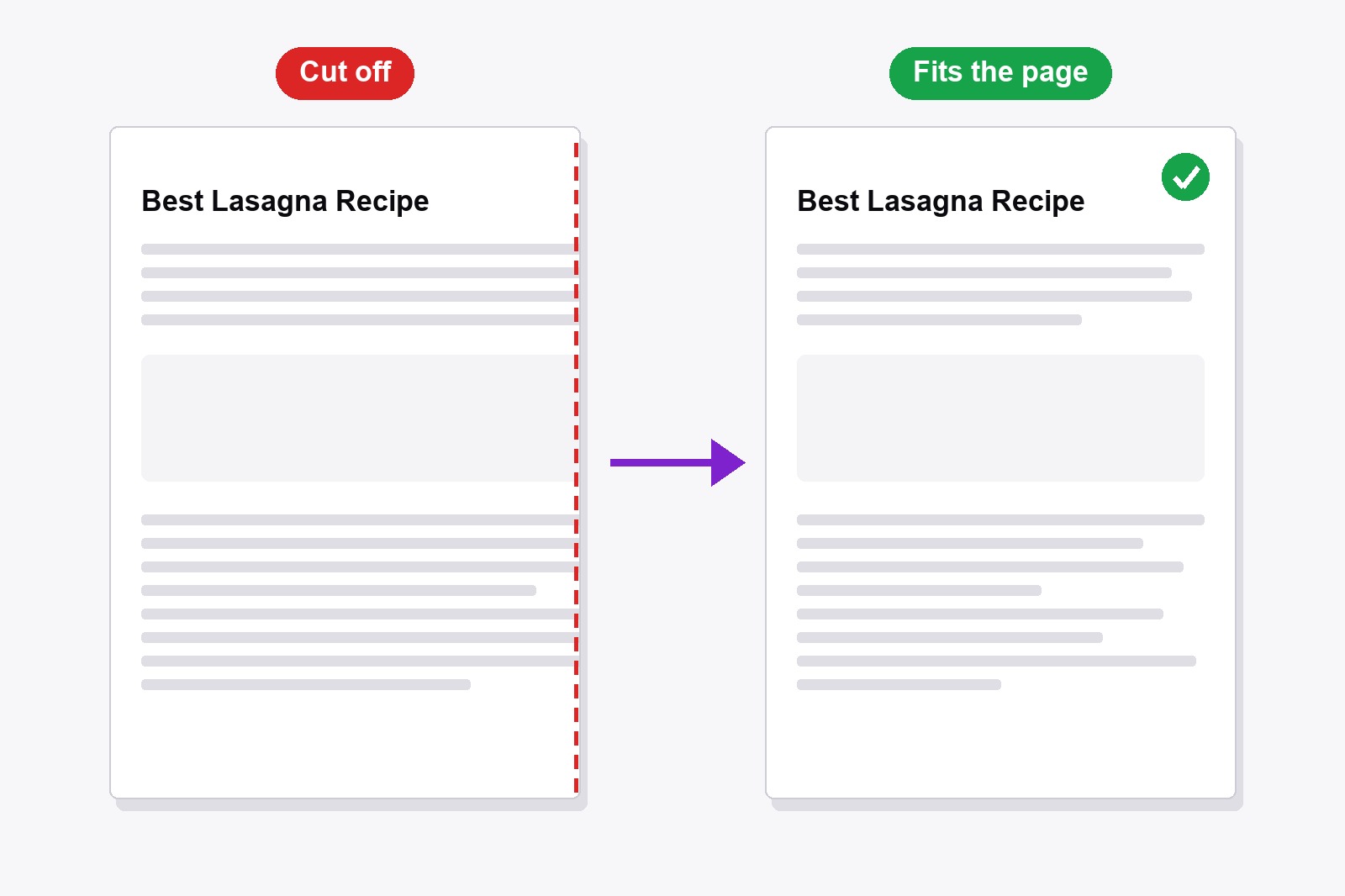
How to Remove Header and Footer When Printing in Chrome
Date and title at the top, web address and page number at the bottom? Switch them off in two clicks, or let a free extension print clean pages for you.
Read article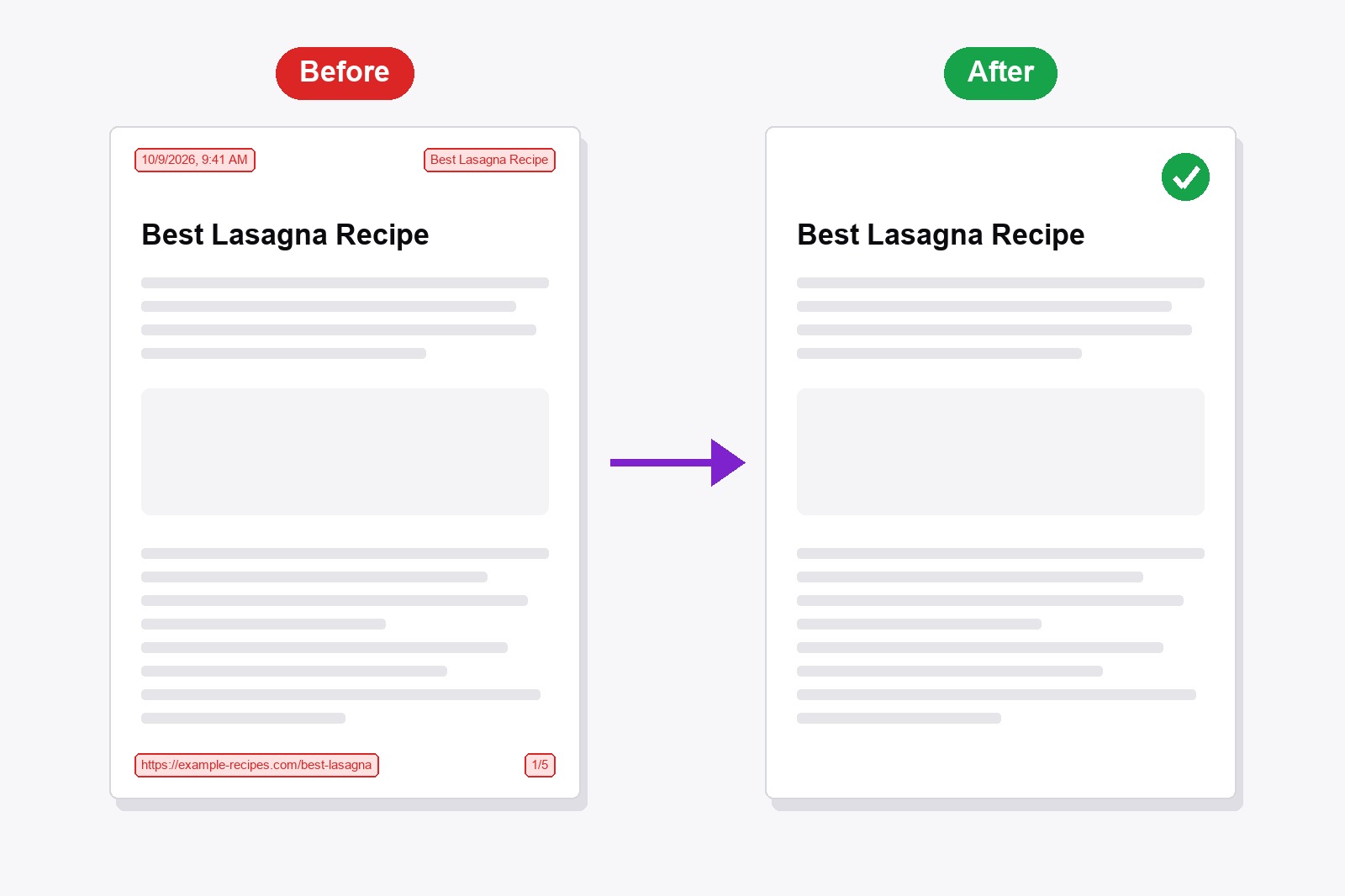
JPG to PDF Converter Free Online — Combine Photos, No Sign-Up
Photos, screenshots or scans that need to become one PDF? Here is how to combine images into a PDF in under a minute, in the order you want, with the page size you need.
Read article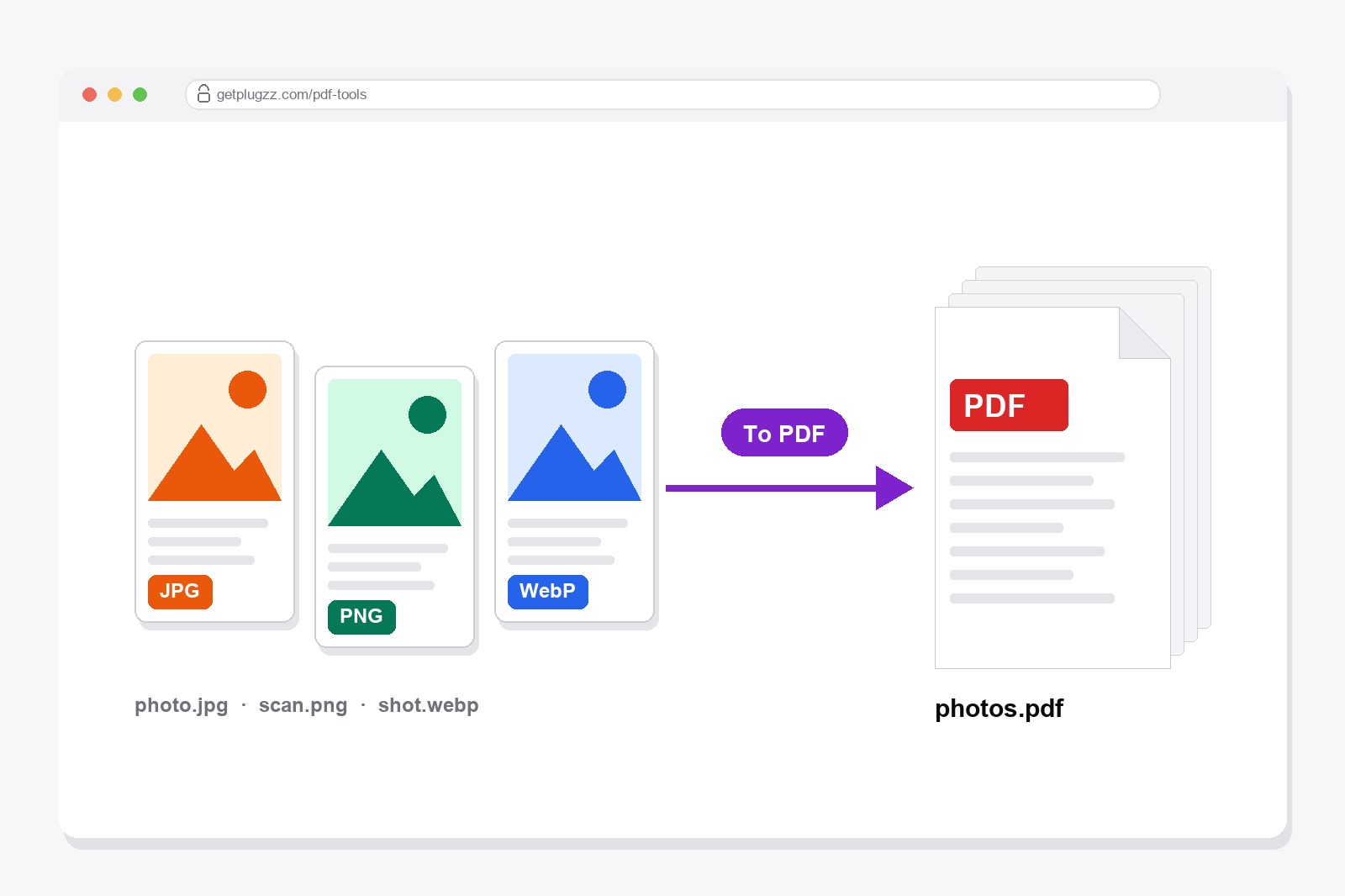
PDF to JPG Converter Free Online — No Upload, No Sign-Up
Need a page from a PDF as a picture? Here is how to turn it into JPG, PNG or WebP in under a minute, which format to pick, and what resolution you need.
Read article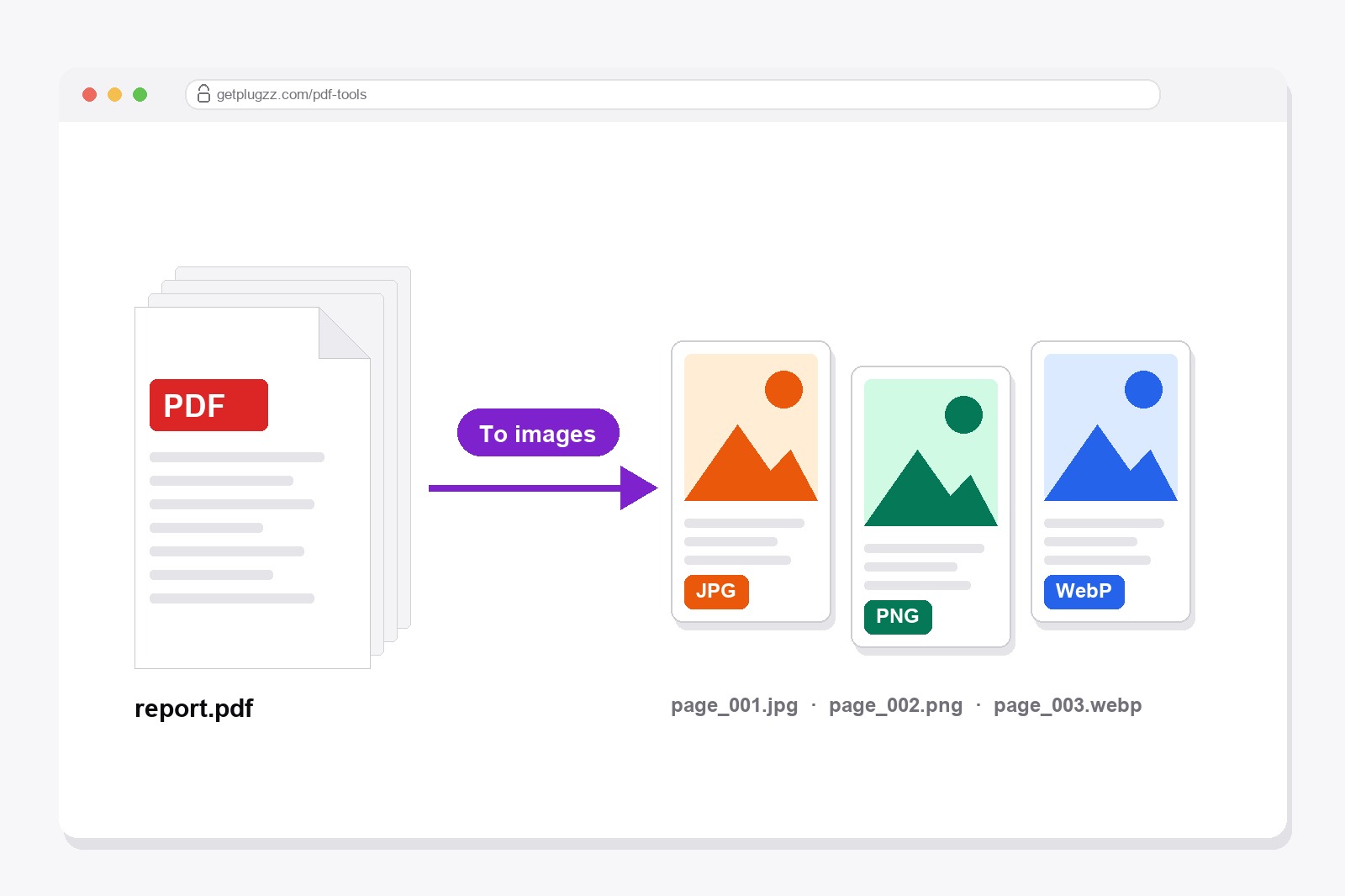
Split PDF Into Single Pages — Free Online, No Upload
A 200-page PDF, but you only need a few pages. Or the other way round: you need every page as its own file. Here is how, in a minute, with nothing to install.
Read article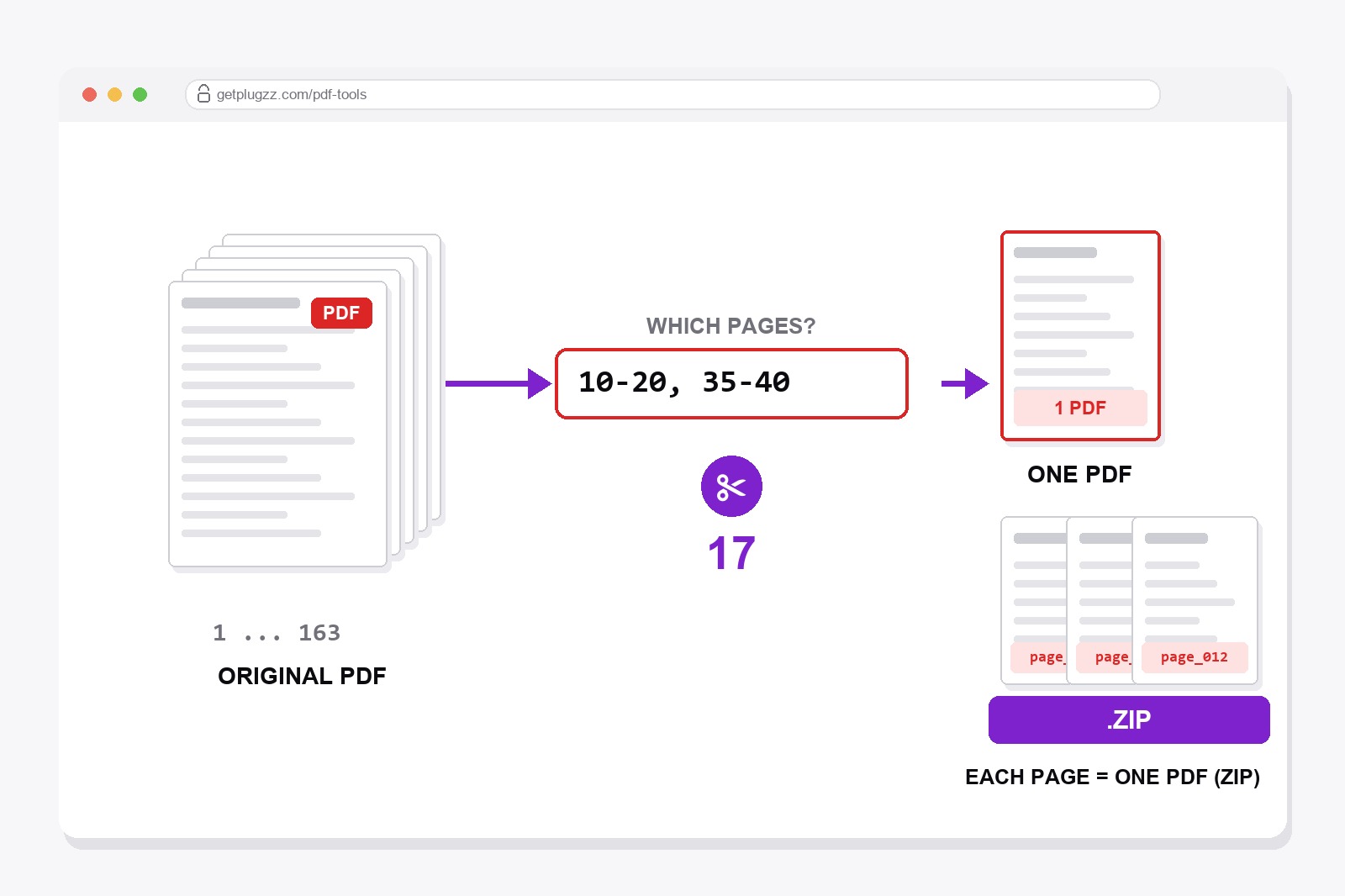
Delete Pages From a PDF Free Online — and Rotate Them
A blank page at the end, a sideways scan, pages in the wrong order. Fix them in a minute, without installing anything or sending your file anywhere.
Read article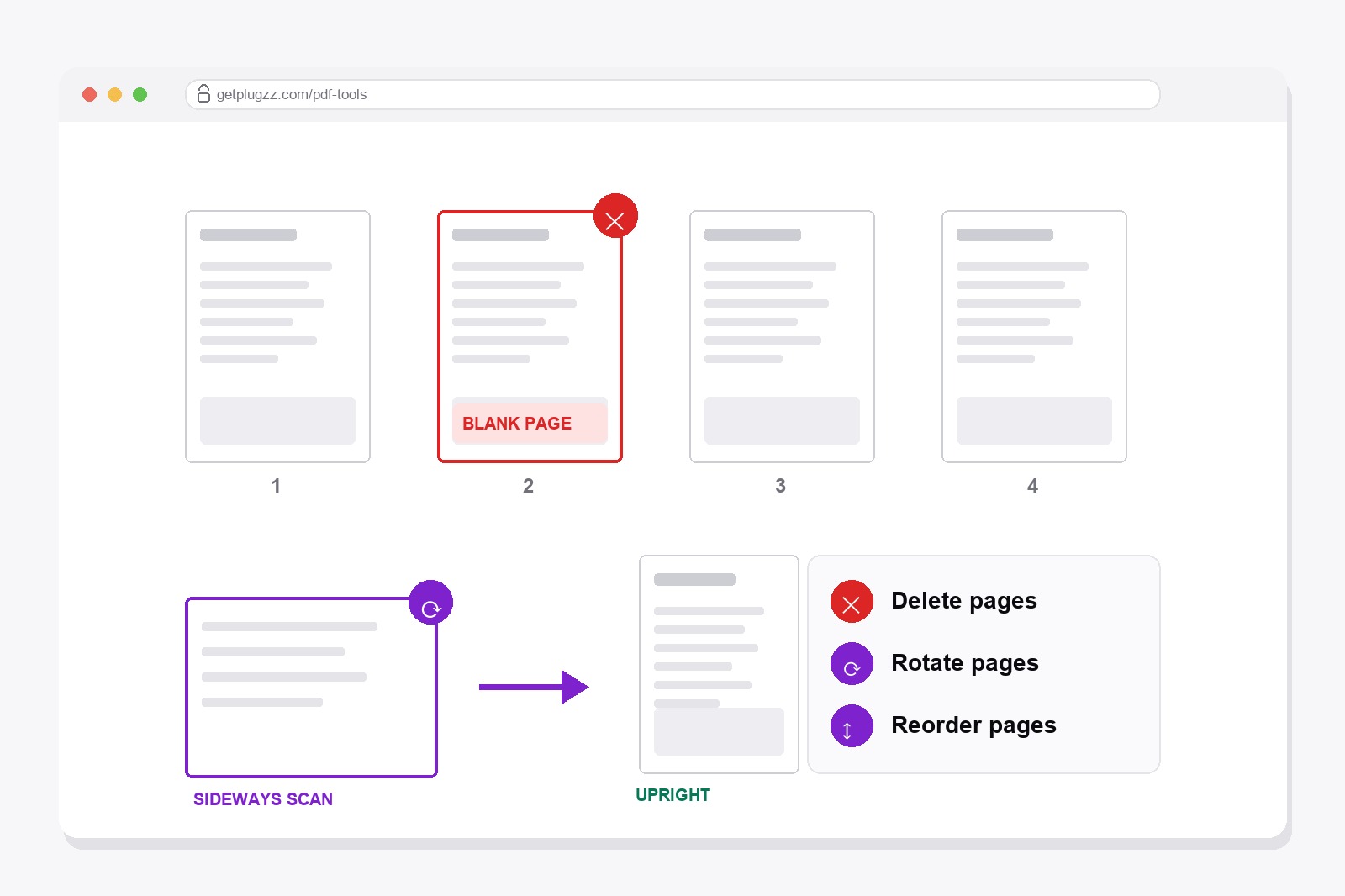
Compress PDF Free Online — Make It Small Enough to Email
Your PDF is too big to send. Here is why that happens, how to shrink it in under a minute, and the one trade-off you should know about.
Read article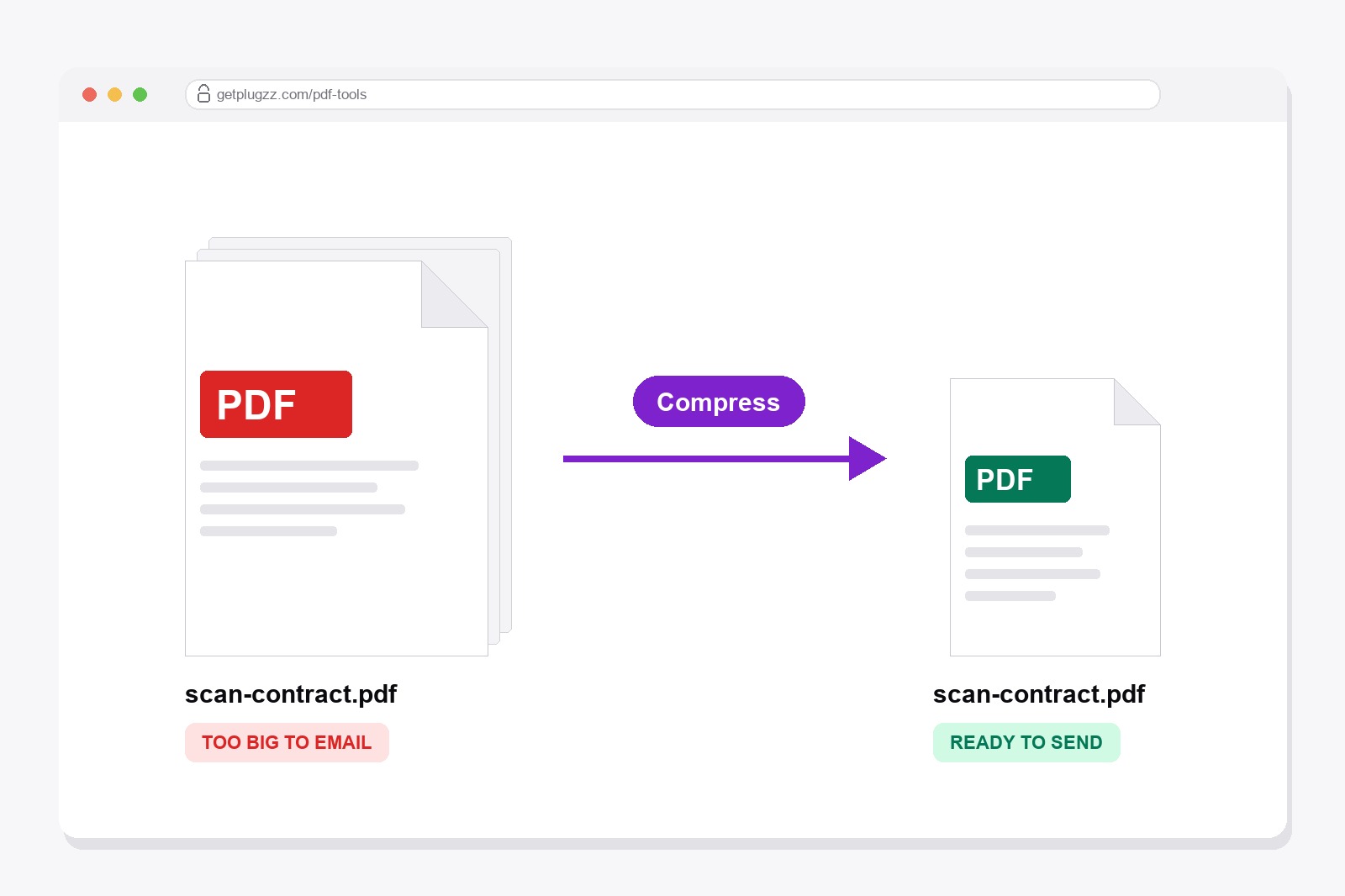
How to Print Only Part of a Webpage: Cut Off Everything Below a Point
Comments, related posts, a giant footer. Click once where the useful part ends, and everything below disappears.
Read article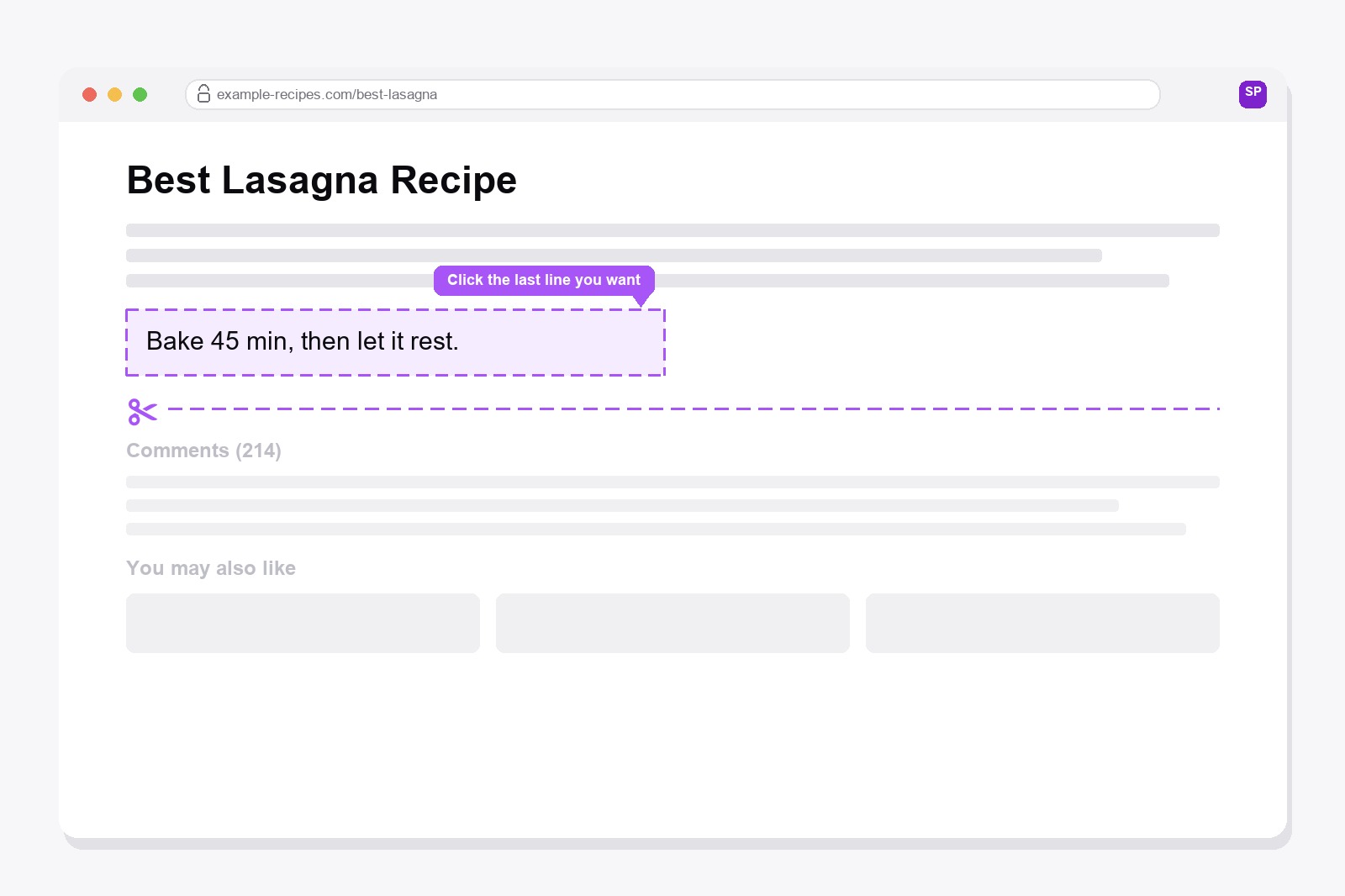
How to Edit Text on Any Webpage Before You Print It
A typo, an outdated detail, a name you would rather not print. Fix it right on the page, then print.
Read article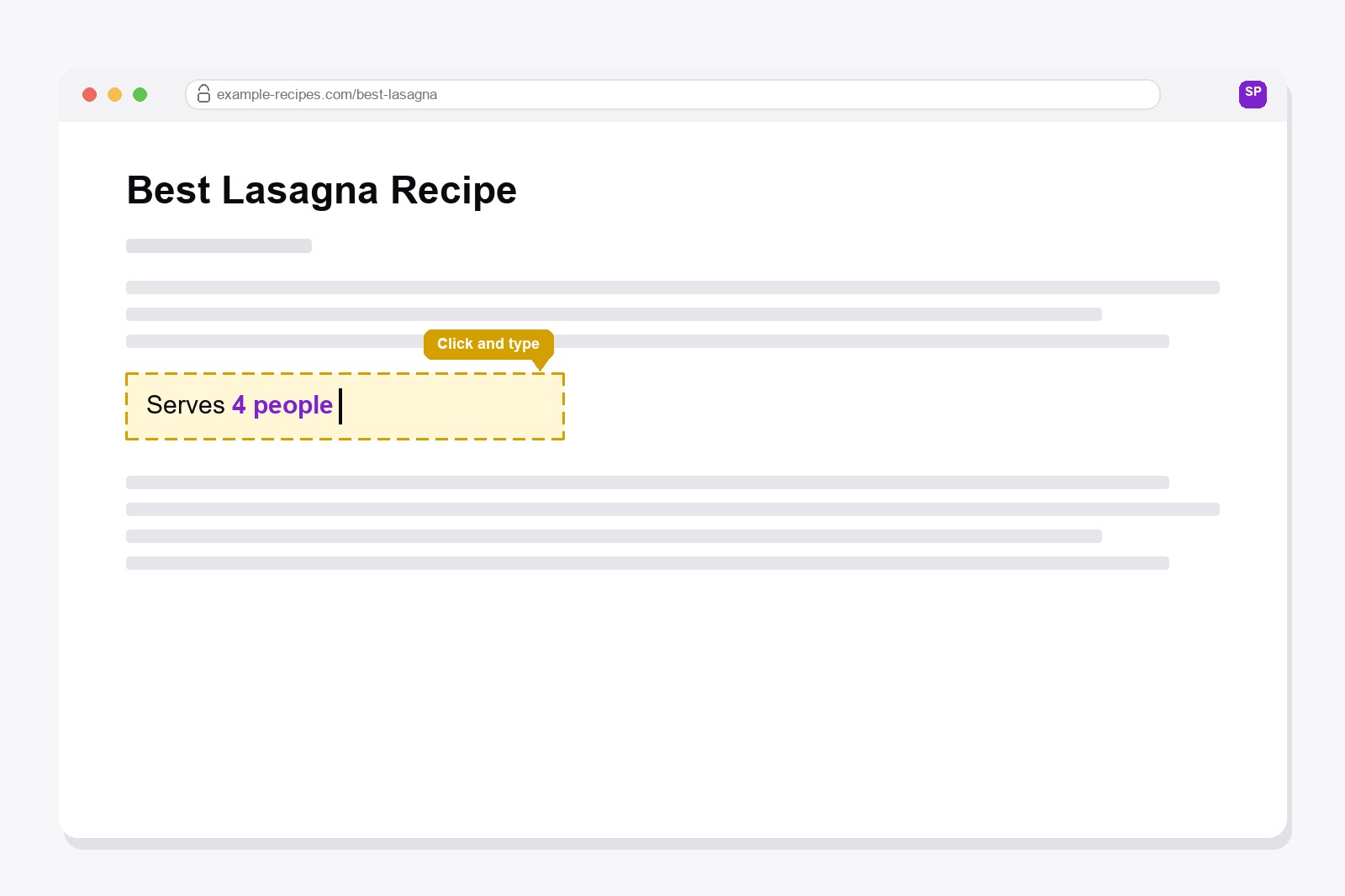
How to Remove Just One Thing From a Webpage Before You Print It
Auto-Clean handles the obvious clutter. For the one specific thing it misses, point, click, and it's gone.
Read article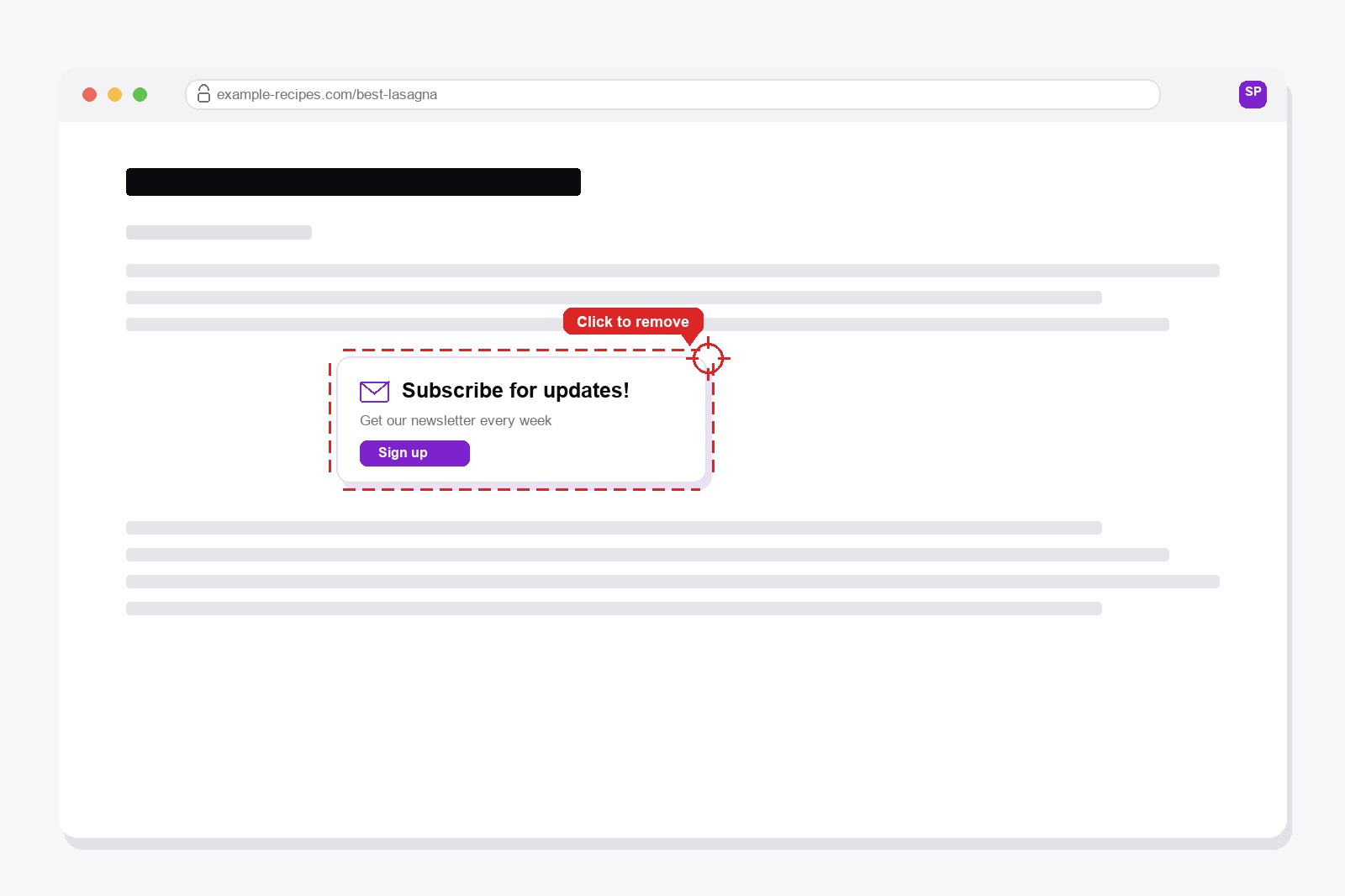
How to Screenshot Just One Part of a Webpage
Not the whole page, not just what's visible — one exact box, drawn by hand, around only the thing you actually need.
Read article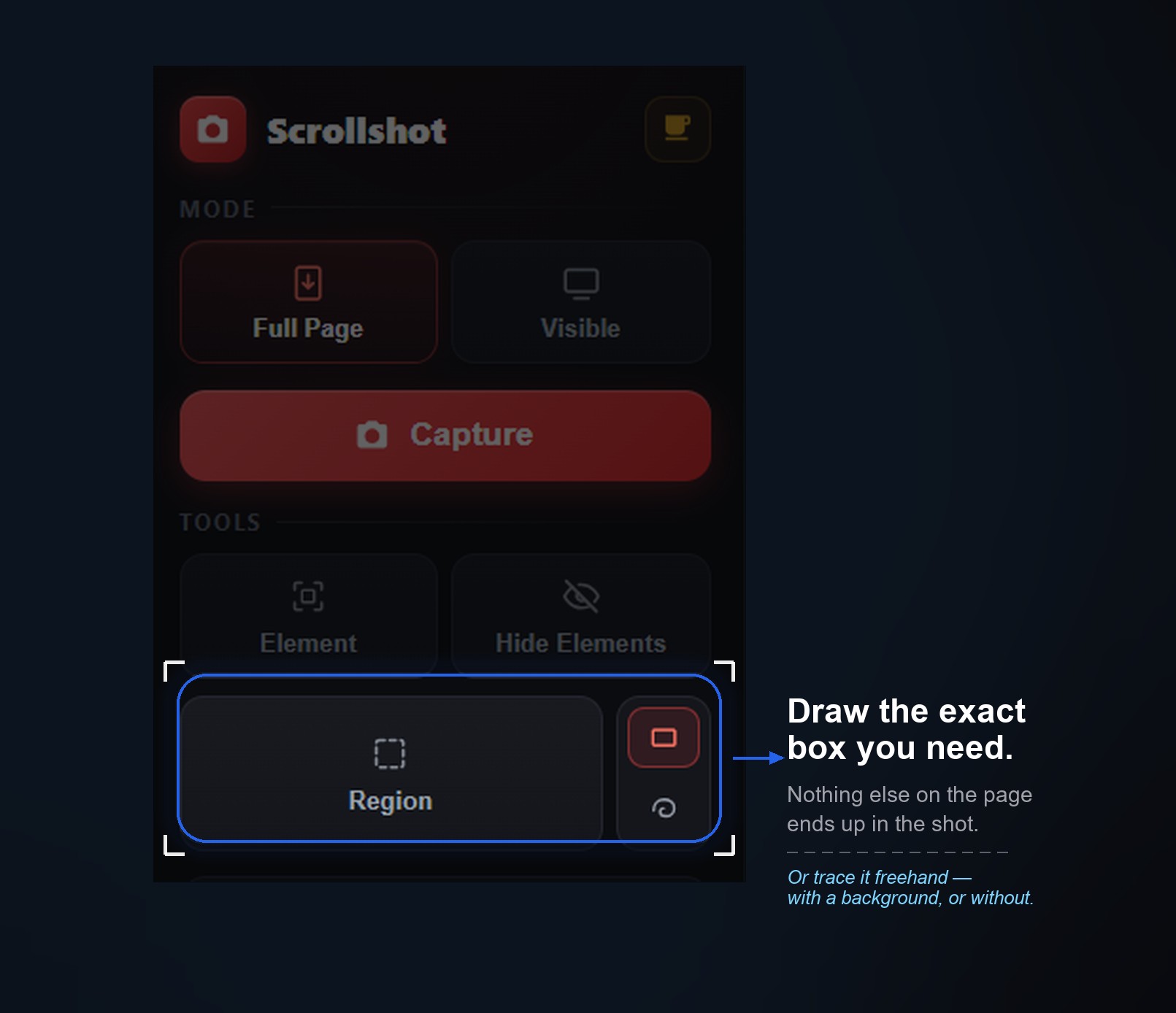
How to Launch Your First Website: Domain, Hosting and a Favicon
A website is really four small decisions: an address, a place to live, some pages and the finishing touches. Here's how to go from idea to online.
Read article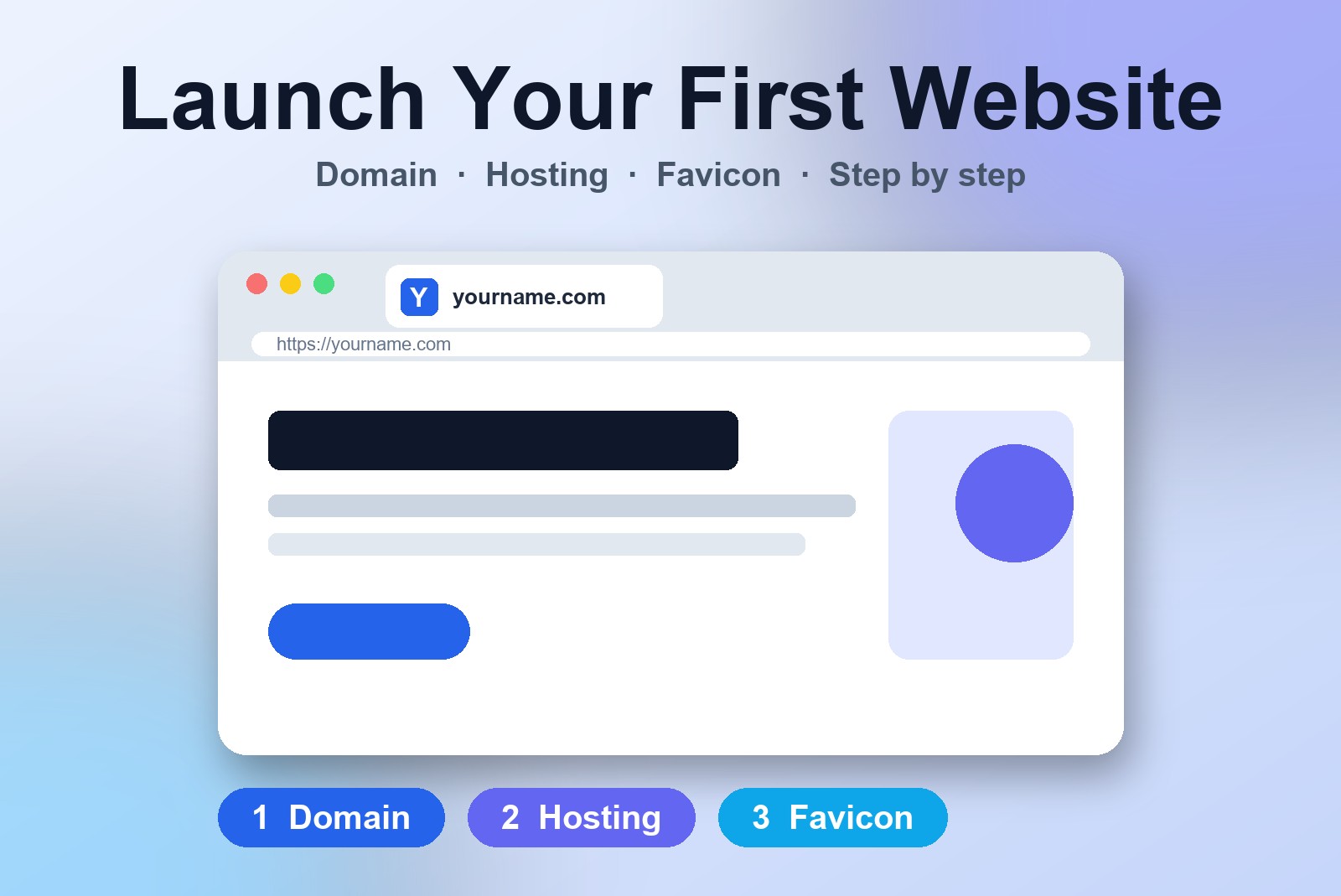
What Is Creative Fabrica, and Is It Worth It?
It sounds like a textile factory. It isn't. What Creative Fabrica really is, how to find the right font without drowning, and when a subscription makes sense.
Read article
How Do I Make a Favicon in Every Size From One Image? (Free, No Upload)
One logo, and every browser and phone wants a different size? Here's how to make every favicon size from one image, in one click, free.
Read article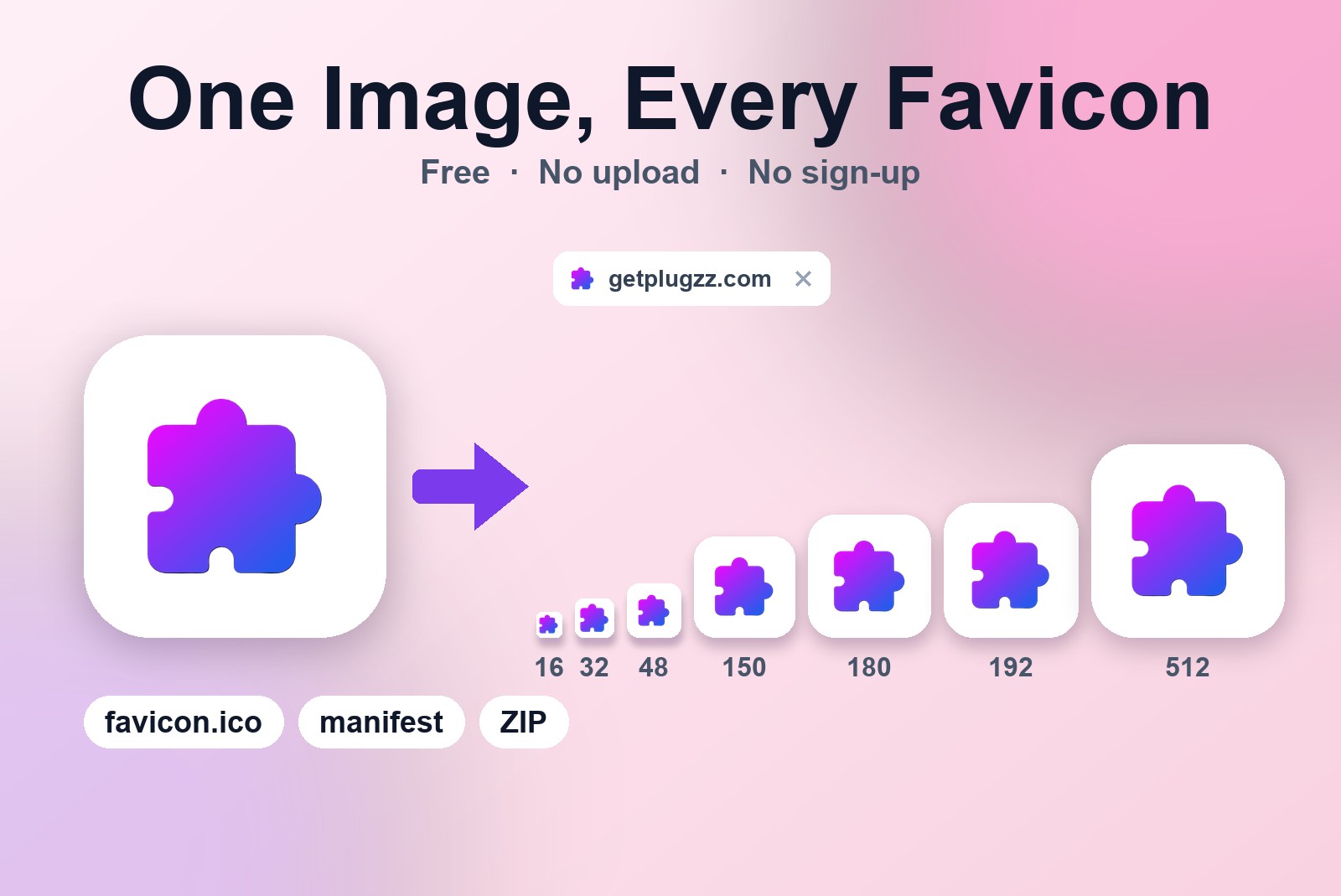
How to Convert HEX to RGB and Check Text Contrast Online for Free
A color in the wrong format, or text you're not sure anyone can read? Here's how to convert HEX to RGB and check contrast in seconds, for free.
Read article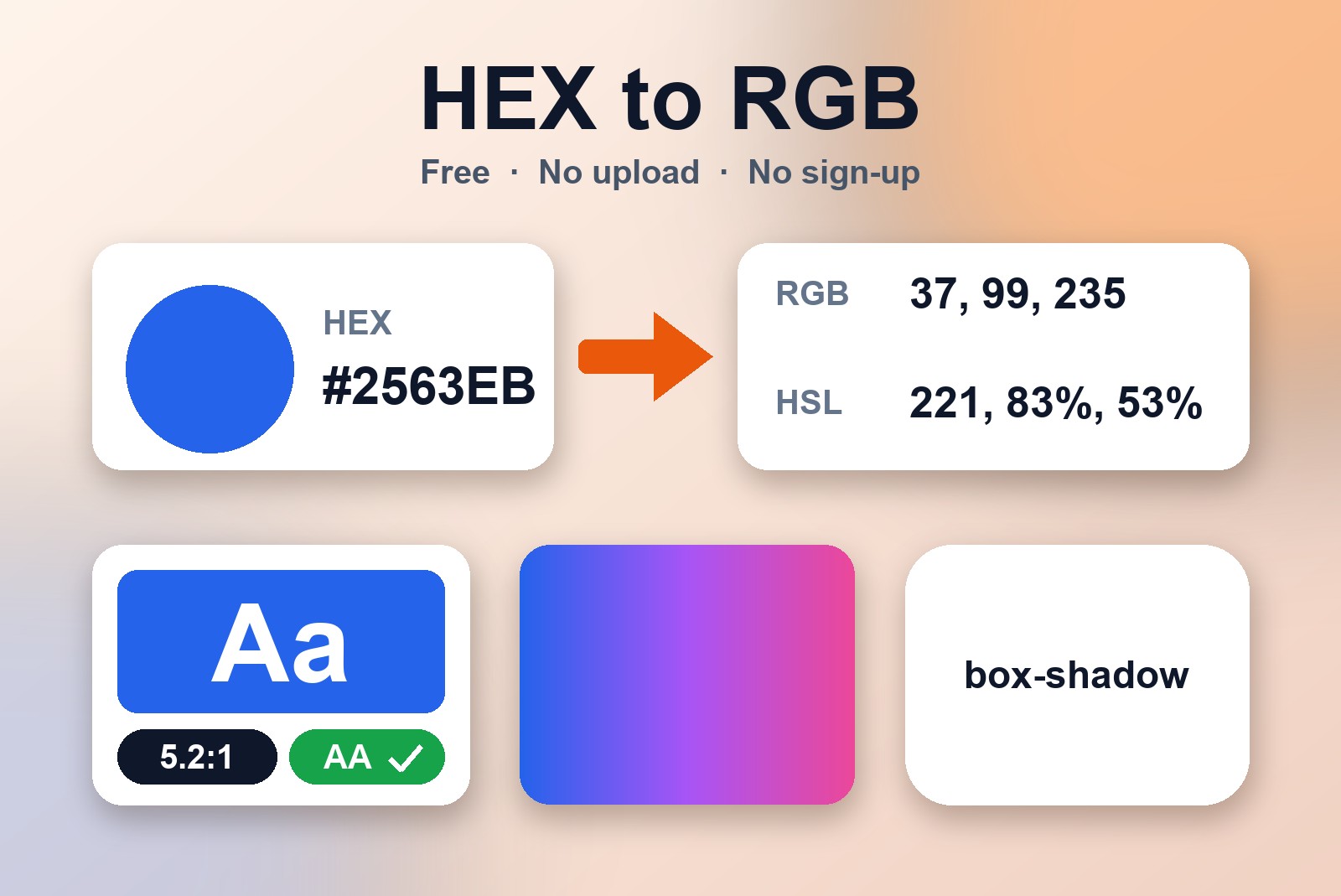
How to Make a Free QR Code That Never Expires — No Sign-Up, No Ads
Need a QR code for your website, WiFi or business card? Here's how to make one in a minute that stays yours for good: no account, no ads, no expiry.
Read article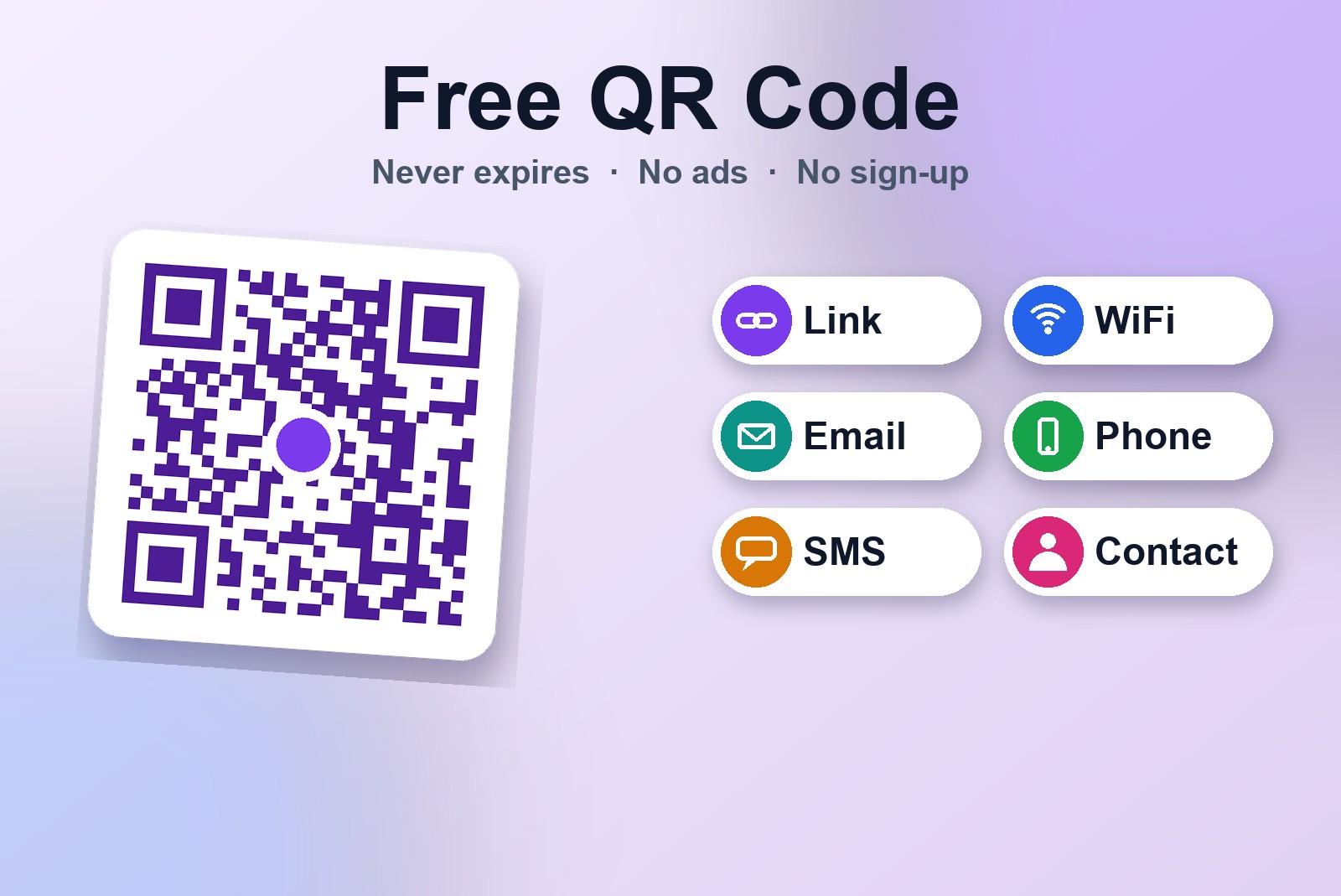
How to Remove EXIF Data from Photos Online for Free — Hide Your GPS Location
Your photos may carry your location, phone model and the exact time. Here's how to see it and wipe it out in one click, without uploading a thing.
Read article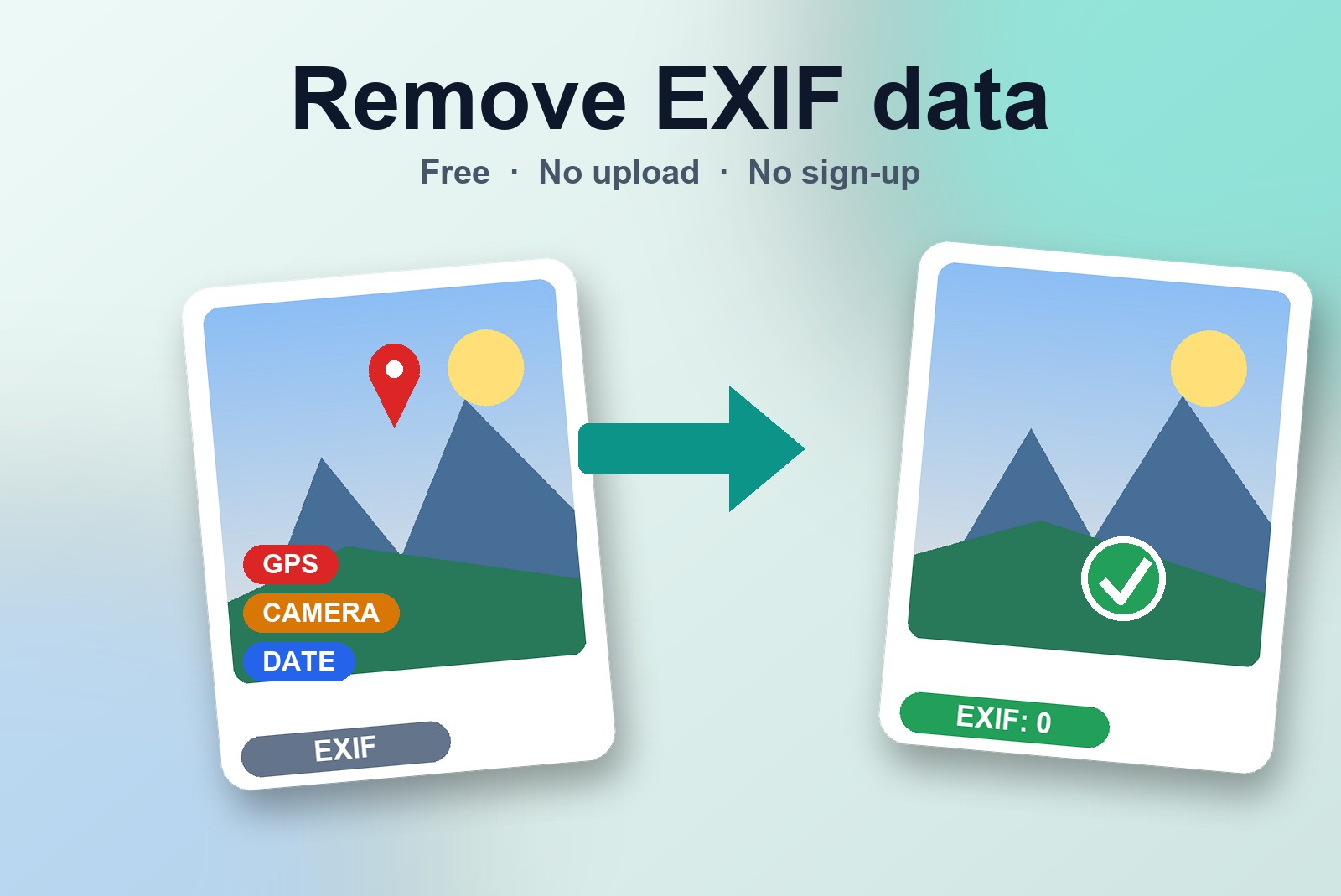
How to Convert HEIC to JPG Online for Free — No App, No Upload
iPhone photos that won't open on your PC? Here's how to turn them into JPG (or PNG, or WebP) in a few clicks, right in your browser.
Read article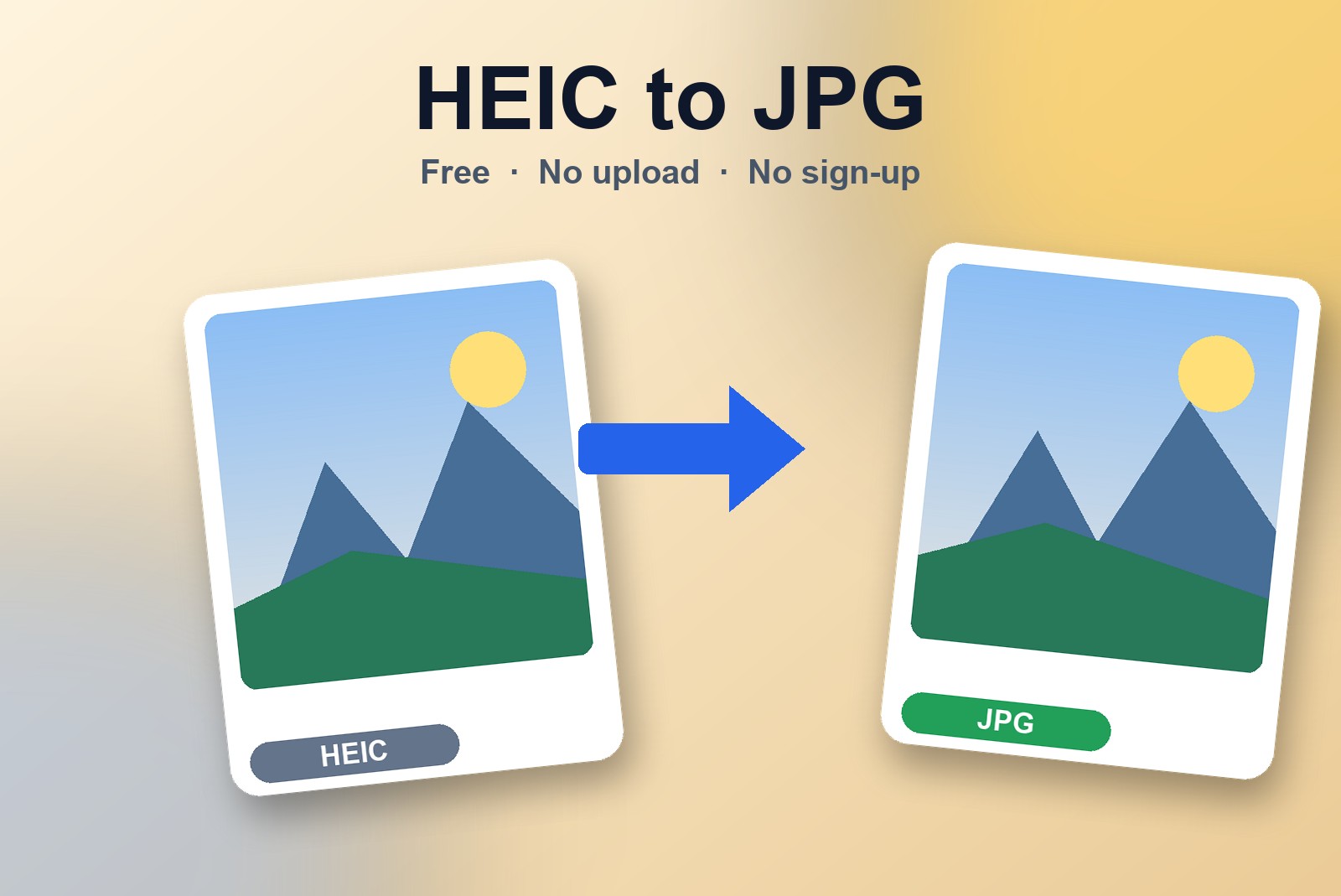
Merge PDF Files Free Online — Combine PDFs Into One (No Upload)
Got a handful of PDFs that need to become one file? Here's how to combine them in under a minute — no software, no account, nothing uploaded.
Read article
How to Buy a Surprise Gift Online Without Getting Caught
Shopping online for a surprise is easy. Staying undetected while you do it — and while it's delivered — takes a little more planning.
Read article
How Long It Actually Takes to Build a Chrome Extension — By Hand vs With AI
Weeks by hand, about two days with AI. An honest, no-hype look at how every extension on this site actually got built.
Read article
What Font Is This Website Using? Free Font Finder for Chrome
See a font you like on someone's site? Here's how to identify it in one hover — and try 1,900+ others live on the same page.
Read article
How to Copy Text Without Selecting a Single Word
Dragging your mouse to highlight text is slower than it should be. Here's how to copy anything with two clicks instead.
Read article
How to Take a Full-Page Screenshot of Any Website
Some webpages are really long. This shows you how to save the WHOLE page as one picture — not just the part you can see on your screen.
Read article
How to Resize Any Image Online for Free — In Seconds, No Install
Got a picture that's the wrong size? Here's the easiest way to fix it for free, right in your browser — no extra apps needed.
Read article
The Best Free Chrome Extensions for Productivity (No Account, No Tracking)
Extensions are like little helper apps for your browser. Here are the best free ones, and what each one actually does for you.
Read article
Chrome Without Extensions Is Like a Phone With No Apps (Here's What You're Missing)
A browser with no extensions is missing a lot of handy shortcuts. Here's why a few small add-ons make everything faster.
Read article
How to Record Your Screen Without Installing Anything
Want to record what's happening on your screen? Here's how to do it for free — nothing to install, nothing uploaded anywhere.
Read article
What Is Product Hunt? Launching AI Code Harvester
What Product Hunt actually is, and how AI Code Harvester's launch went — #23 of the day, 79 upvotes.
Read article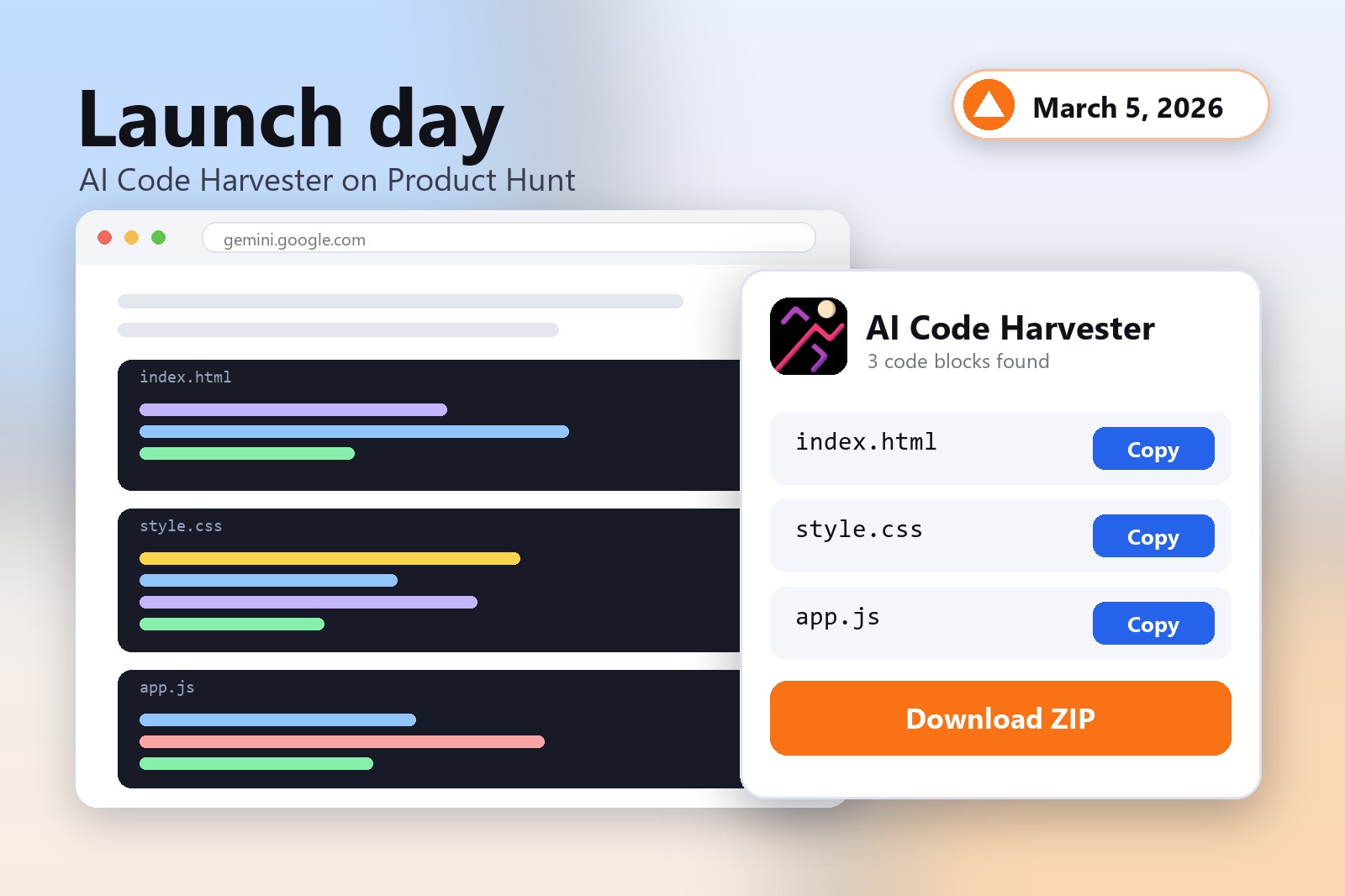
How to Copy Text From Any Website — Unlock Copy & Paste on Sites That Block It
Some websites won't let you copy their text. Here's why they do that, and a free tool that lets you copy it anyway.
Read article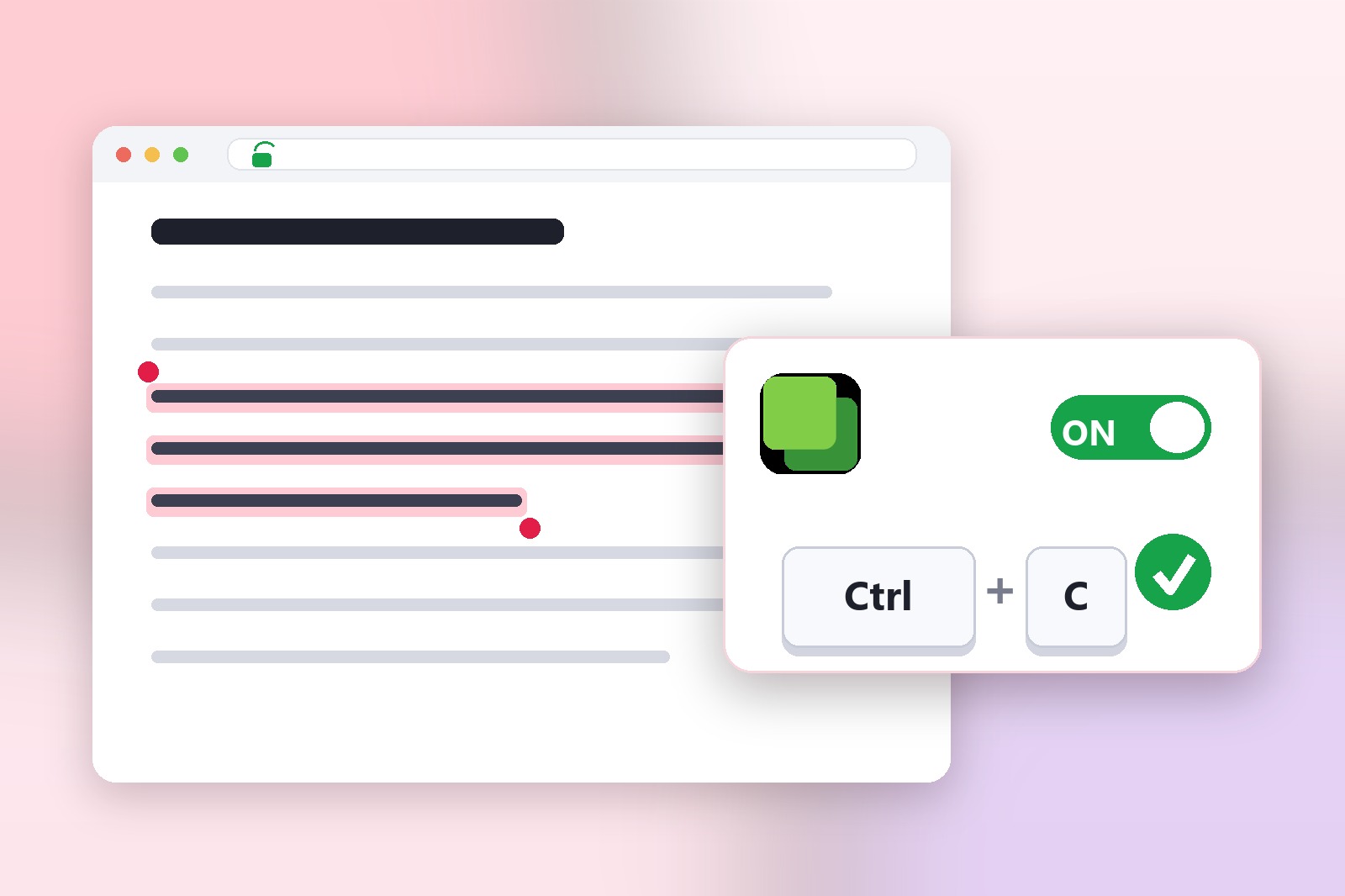
How to Save Gemini & ChatGPT AI Code to Files — The Easy Way
When an AI writes code for you, collecting all the pieces can be a hassle. Here's a free tool that saves everything in one click.
Read article
How to Set Up a Panic Button for Your Browser in 60 Seconds
Want to hide your screen instantly if someone walks by? Here's how to set up one key that swaps everything to something harmless.
Read article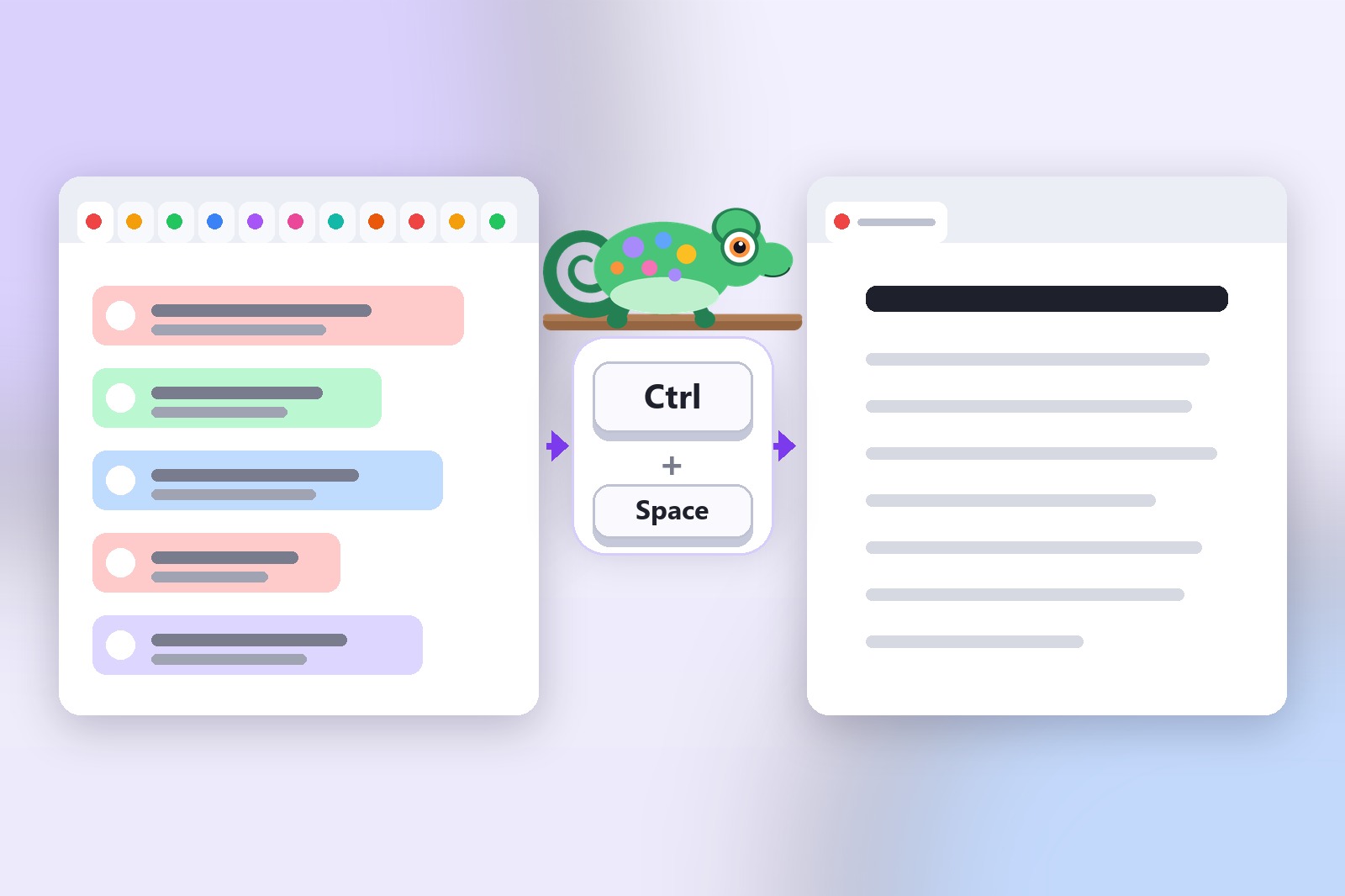
How to Instantly Hide Your Browser Tabs from Prying Eyes
Someone's walking up behind you and you want your screen to look normal, fast. Here's a trick that does it in one second.
Read article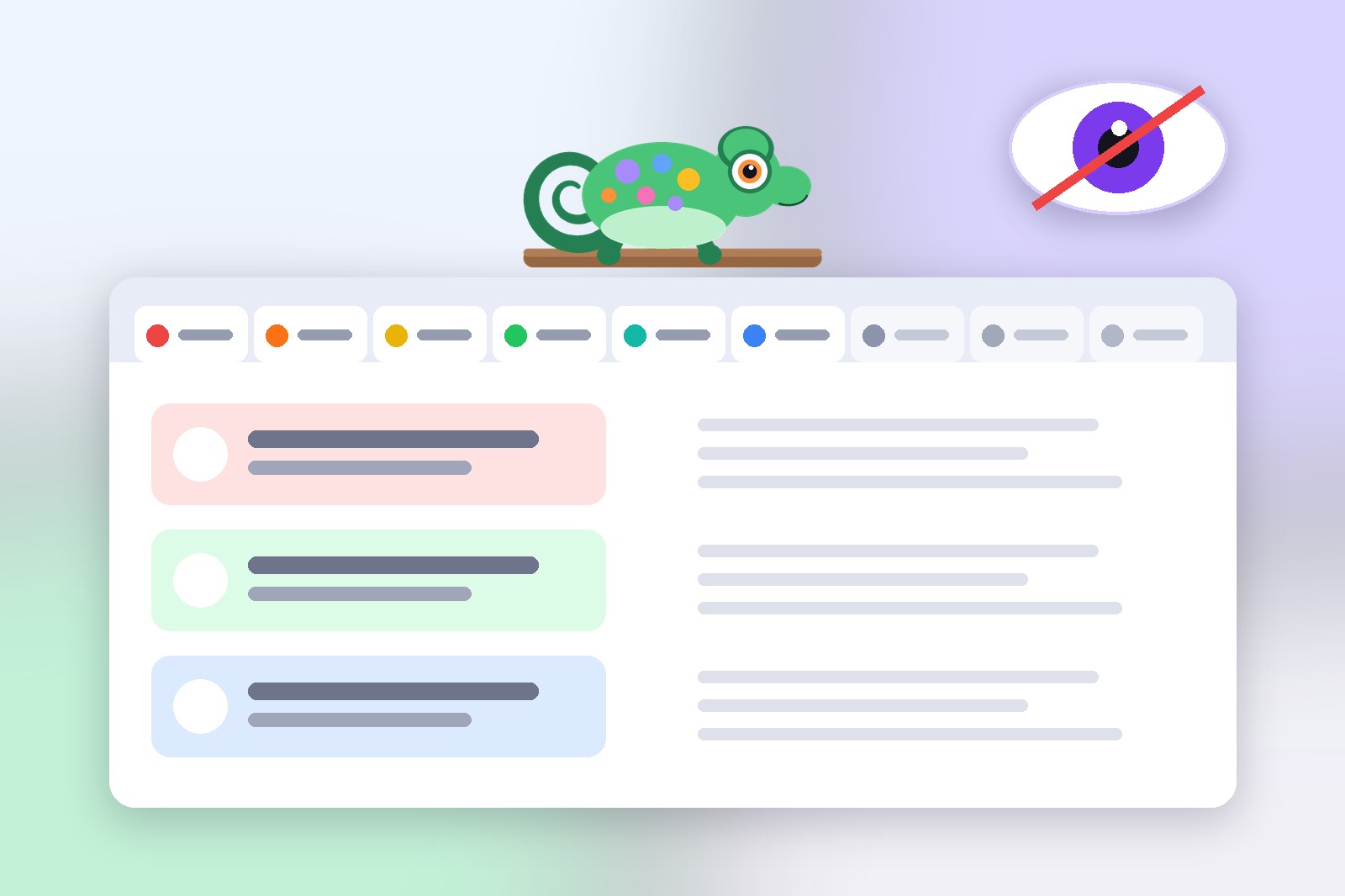
How to Save & Organize Your Tabs in Chrome (Tab Rocket Tutorial)
Too many tabs open and your computer feels slow? Here's how to save them into named groups and close them, so things run faster.
Read article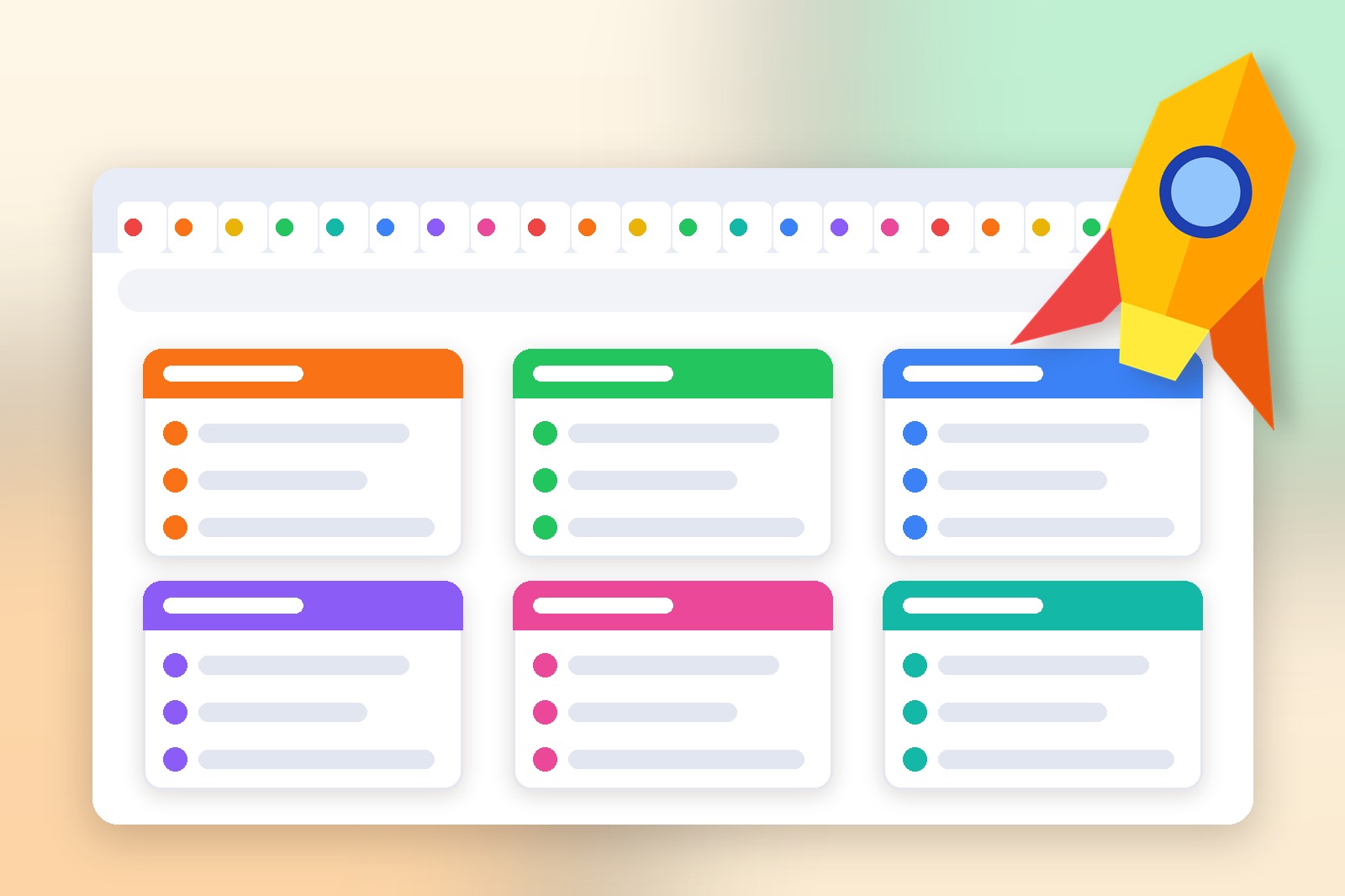
How to Print a Webpage Without Ads, Banners or Clutter
Printing a webpage usually wastes paper on ads and clutter you don't even want. Here's a free tool that cleans it up first.
Read article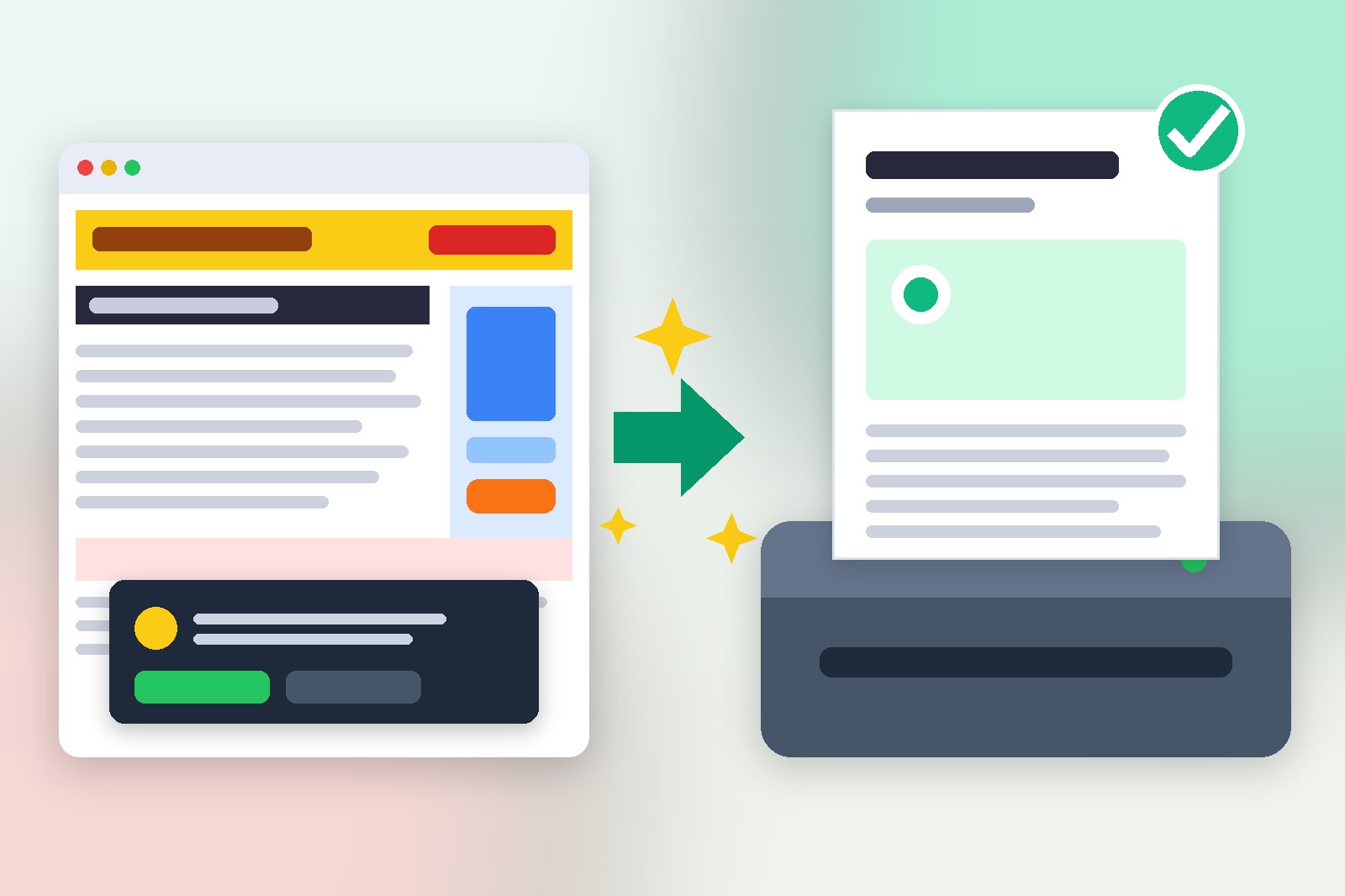
No articles found
Try a different search term.