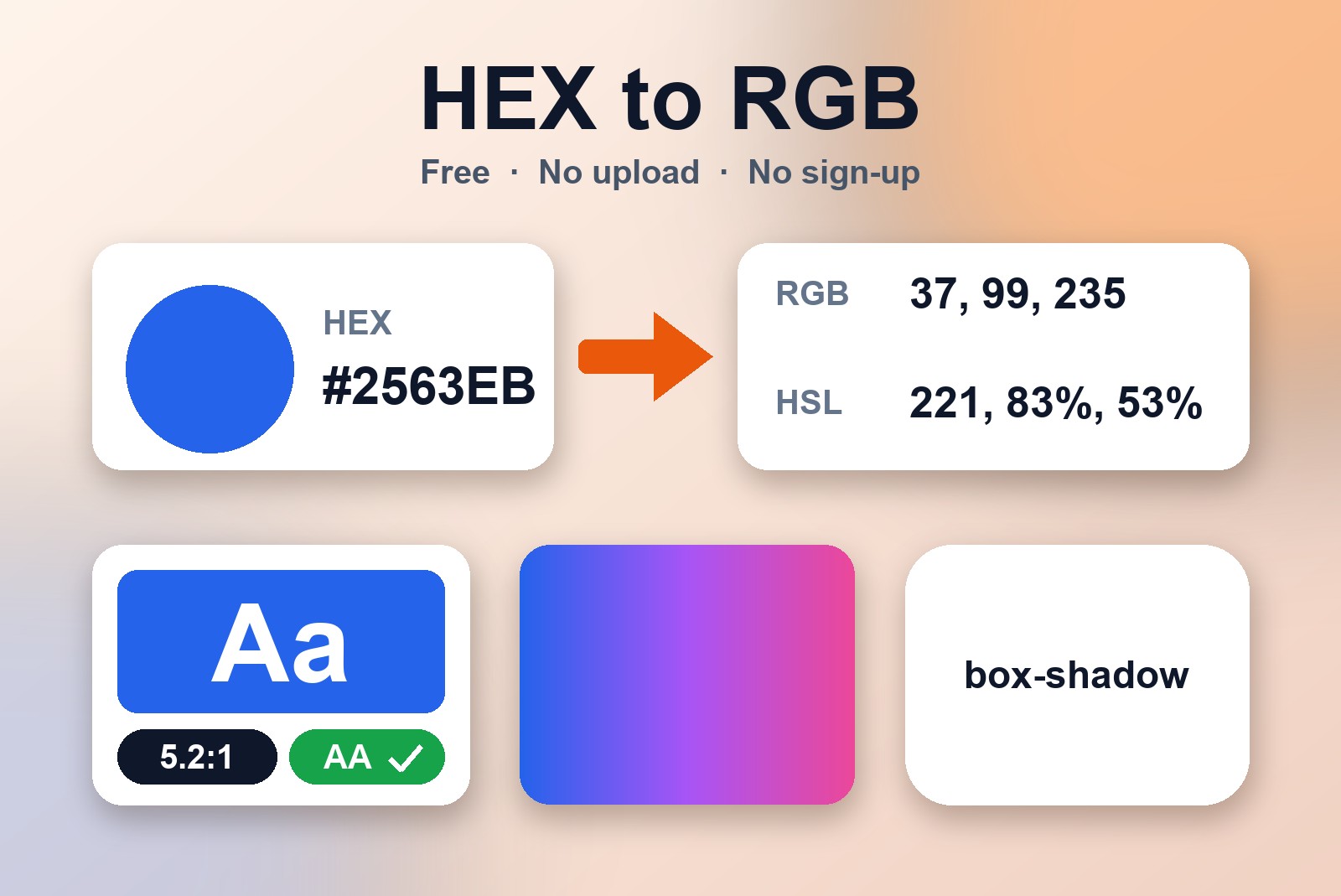
You picked a color for your website, and now the design says HEX but your code wants RGB. Or you built a nice button and you're not sure anyone can read the text on it. The GetPlugzz CSS & Color Tools handle both, and two more jobs: they build gradients and generate box-shadow and border-radius CSS. Everything is on one page, updates live as you type, and runs in your browser, so there is no account and nothing is uploaded.
The four tools, in a minute
Open the CSS & Color Tools and pick a tab:
- Color Converter. Type a color as HEX, RGB or HSL, and the other two update at once. You can also click the swatch to pick a color.
- Gradient. Pick your colors (you can add more), choose Linear or Radial, set the angle, then press Copy CSS.
- Contrast Checker. Pick a text color and a background color, and see whether people with weak eyesight can read it, with a result for WCAG AA and AAA.
- Shadow & Radius. Slide the offset, blur and spread to build a box-shadow, and round the corners with border-radius. Copy the CSS when it looks right.
HEX, RGB and HSL: one color, three ways to say it
Think of one paint color written on three different labels. It's the same paint, only the recipe is written differently:
- HEX is the short code: a # followed by six letters or numbers, like #2563EB.
- RGB is the recipe: three numbers for how much red, green and blue to mix.
- HSL is the set of dials: hue, saturation and lightness. It is the easiest to adjust by hand. Want the same color a bit lighter? Just turn one dial.
Designs usually give you one of these and your code needs another, which is exactly when a converter saves you a few minutes.
How to convert HEX to RGB
- Open the Color Converter. It is the first tab.
- Type or paste the HEX code into the HEX box.
- Read the result. The RGB and HSL values fill in automatically, along with the swatch.
It works the other way round too. Type into any of the three fields and the other two follow.
Is your text actually readable? (the whisper problem)
Light grey text on a white background looks elegant on your screen. To someone with weak eyesight, or a phone in bright sunlight, it's a whisper in a noisy room. The Contrast Checker measures how different your text and background colors are and tells you if they pass.
It uses WCAG, the Web Content Accessibility Guidelines, which set a minimum contrast so text stays readable for people with low vision. There are two levels: AA is the standard most sites aim for, and AAA is stricter. What you need:
- Normal text: at least 4.5:1 for AA, and 7:1 for AAA.
- Large text: 3:1 is enough for AA. "Large" means 18pt or bigger, or 14pt or bigger in bold.
The tool shows the ratio and a result for normal and large text at both levels, so you don't have to do any math.
Gradients and shadows without writing the CSS by hand
For a gradient, pick your colors, choose linear or radial, set the angle and press Copy CSS. That's the whole job.
For a shadow, think of a lamp above a box. Moving the offset changes where the shadow falls, a bigger blur makes it softer, and spread makes it larger. You can set the shadow color and opacity, or make it an inset shadow. Then round the corners with border-radius, for all corners at once, and copy the CSS when it looks right.
When you'd actually need this
- A design gives you a HEX code and your code wants RGB or HSL.
- A button or heading that you want to check for readable text.
- A page or card background that needs a nice gradient.
- A card that should lift off the page with a soft shadow and rounded corners.
- An accessibility check for a client, a school project or your own site.
Good to know before you start
- Colours are fully opaque: there is no transparency (alpha) and no 8-digit hex codes.
- HSL values are rounded to whole numbers, so converting back can differ by 1 in a colour channel.
- Contrast pass or fail uses the exact colours; the ratio shown is rounded to two decimals, so 4.496 shows as 4.50:1 but does not pass 4.5.
- Gradients take up to 6 colours, evenly spaced, as a linear angle or a circular radial.
FAQ
Yes. There is no account and nothing to install.
No. Everything is worked out live in your browser.
Type or paste the HEX code into the HEX box in the Color Converter. The RGB and HSL values fill in automatically.
For normal text, aim for at least 4.5:1 (AA). For large text, 3:1 is enough. The stricter AAA level asks for 7:1 on normal text.
HSL stands for hue, saturation and lightness. It is easier to adjust by hand than HEX or RGB, for example to make a color lighter.
Free CSS & Color Tools — No Upload, No Sign-Up
Convert colors, build gradients, check contrast and make shadow CSS. Built by GetPlugzz, processed entirely in your browser.